
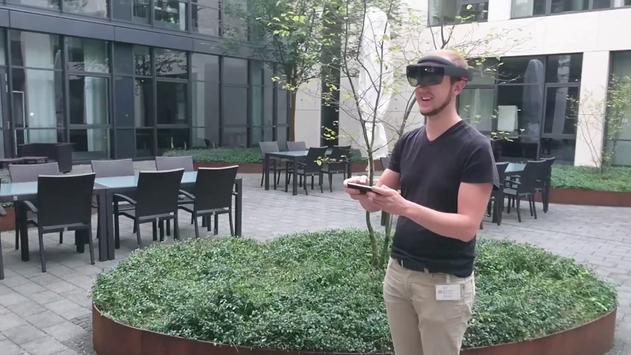

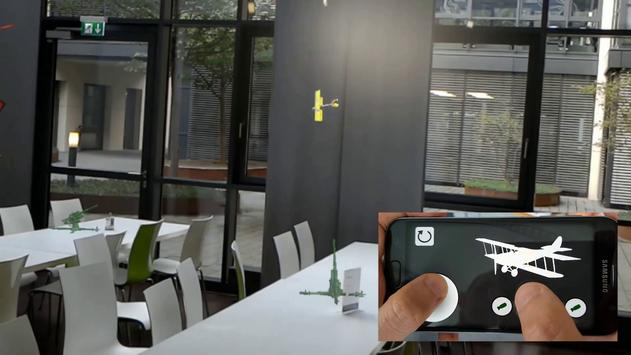
To use this app as a remote control for the HoloLens App "HoloPlane" follow these steps:
1. Connect your HoloLens and your Smartphone to the same wifi.
2. Open HoloLens Settings > Wifi > Advanced Options and note your HoloLens IP Adress
3.
Open HoloPlane on your HoloLens
4. Open this app "Holo Plane Remote Control" on your Smartphone and enter the IP of your HoloLens.
5. Press "Start" Button. Your holographic plane should now fly
(If you have no wifi available you can open an ad-hoc wifi with your android device)
Release Version of Holo Plane Remote Control




9Apps 4.9