Hot applications make large number of downloads. 20,000+ users downloaded YJTerm latest version on 9Apps for free every week! All its functions are there and updated. This hot app was released on 2016-10-18. To read more info about mobile apps, you can click on 9Apps.
1. How to connect
1) Connect the OTG Cable for smartphones.
2) This app selection screen for the USB device appears, select the YJTerm app.
3) in the GUI screen, click on the function icon at the top right to select the 'Connection' item and to connect with the device.
4) When asking for permissions to access the USB devices window yard Click OK button to get the permission.
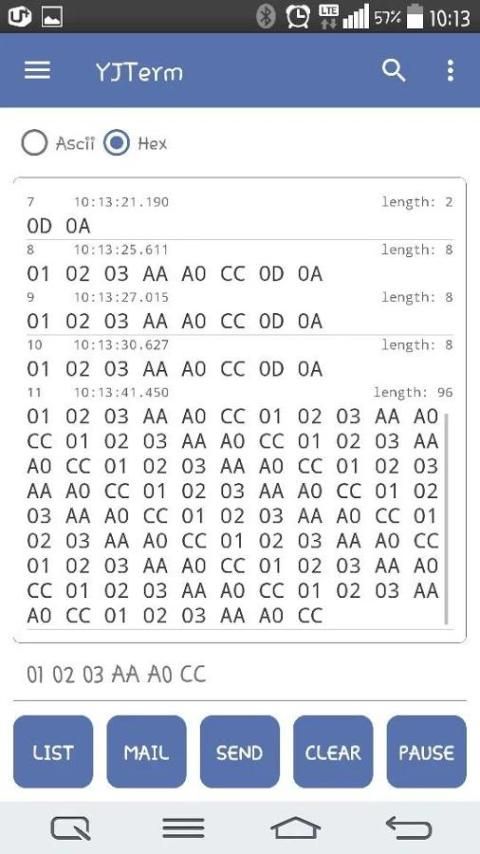
5) The data received is ready to receive data is output in the viewer.
2. 'LIST' button (Send Message (macro) method used)
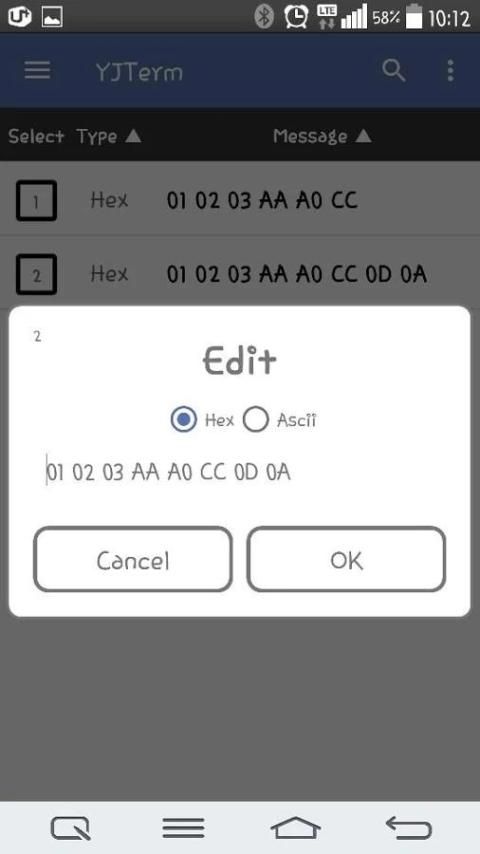
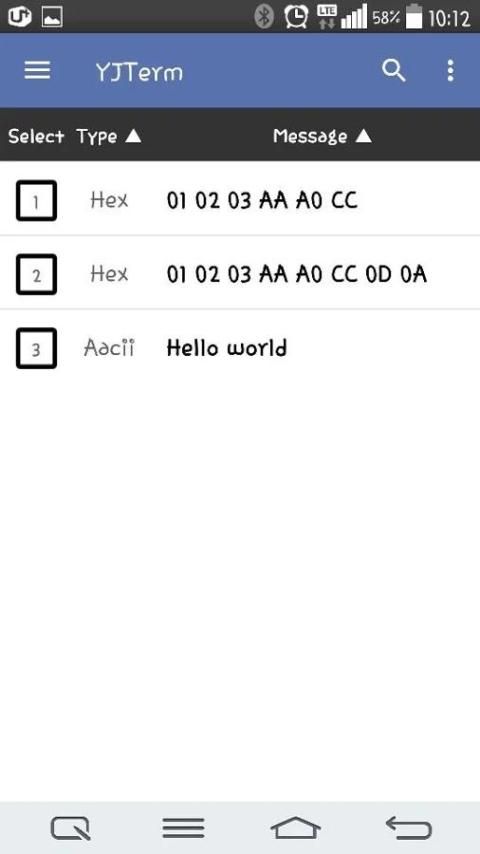
1) If you want to send the data by pressing the 'List' button at the bottom left of the screen you want to select or add the appropriate Row
In addition, please use the Packet Message. (You must select hasyeoseo better distinguish between Hex and Ascii mode).
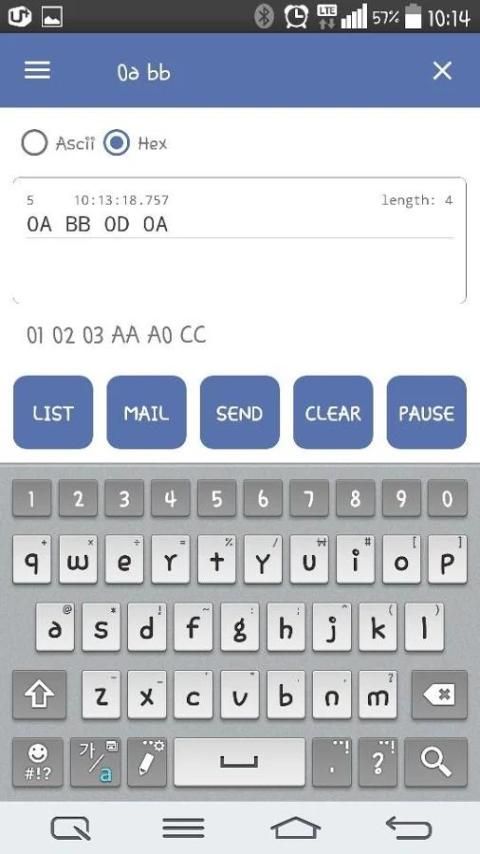
2) Select or enter data directly into the text is printed on the bottom of the screen.
3) Press the 'Send' button at the bottom center of the screen to send the packet to select or input.
3. 'MAIL' button (mail transmission of the received data)
1) If the output data is present in the central screen, select the 'MAIL' button of the buttons at the bottom of the screen.
2) If the app information you can mail transmission output, you can select the app to send data received by e-mail.
4. 'CLEAR' button (output Erasing)
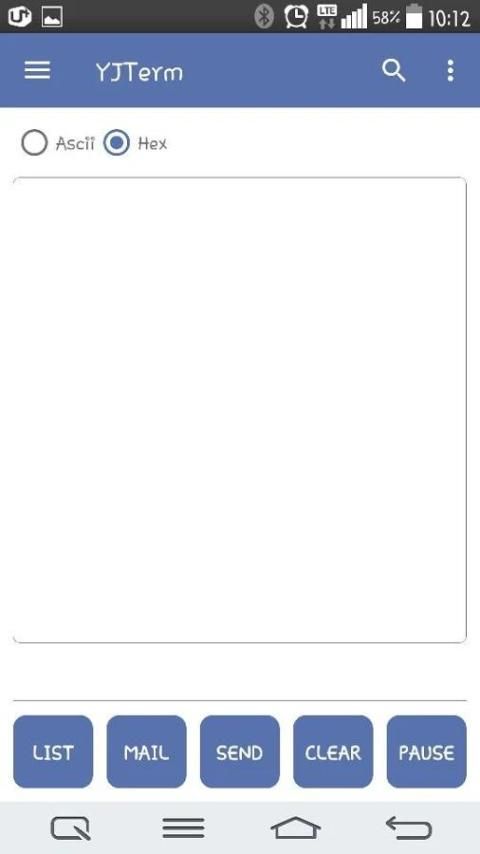
1) If the received information exists on the screen, select the 'CLEAR' button of the buttons at the bottom of the screen.
2) The received data will be deleted.
5. 'SEND' button (sending data)
1) Press the information or directly enter the Packet 'LIST' button in the text window at the bottom of the screen, select Packet information to be transmitted.
2) Press the 'SEND' button to transmit the data.
6. 'PAUSE' button (if received while stopping screen)
1) If you are receiving data on the screen, select the 'PAUSE' button of the buttons at the bottom of the screen.
2) The data being received will not be printed.
7. Search button (search function can be used when applied with line breaks in list view type)
1) If you use the function, the data is output to the Line Feed (Wrap) list view mode.
2) Enter the information you want to search, select the magnifying glass icon at the top of the screen.
3) If the same content exists and the data entered is automatically output in the list view in the center of the screen.
8. Other
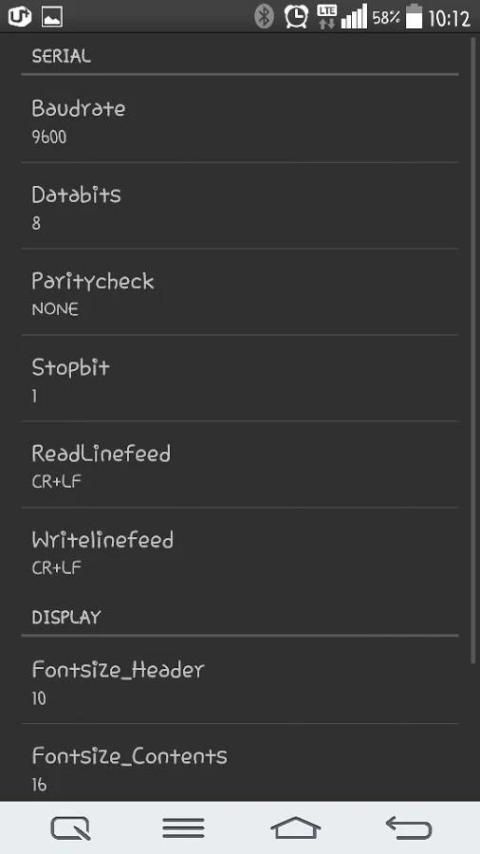
- By default, data is output in addition to receiving data 'order', 'time', 'packet length "information is output together.
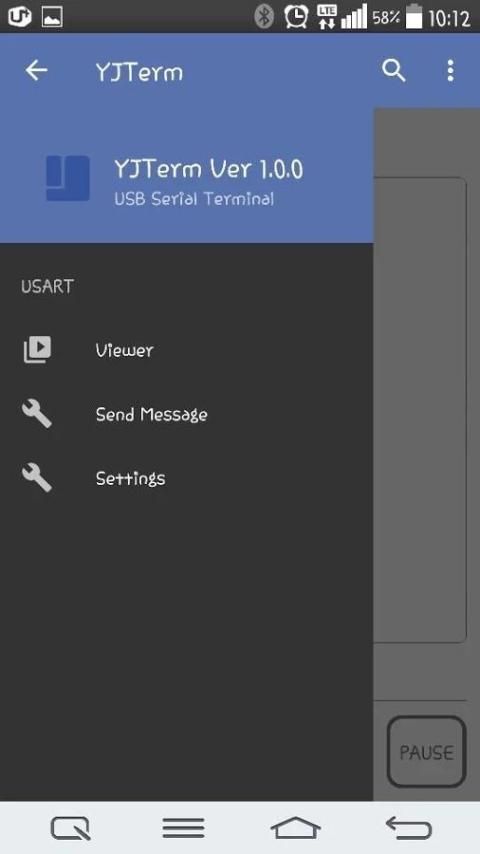
If you do not look for this information to move from the main menu on the left side of the screen to 'Settings' in the value of the 'Fontsize_Header'
Is please to '0'.
Bugs and other questions would be appreciated sent to email below.
sworncyk@gmail.com
2016-09-27
- fix crash when rotating the screen
- delete splash screen
2016-09-23
- 데이터 수신 화면 Extend 기능 추가
- 'List'버튼을 눌렀을 경우 알림 메시지 추가

9Apps 4.9