
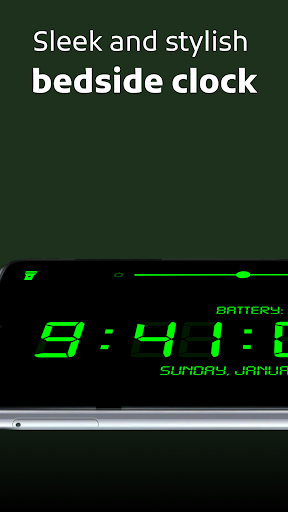
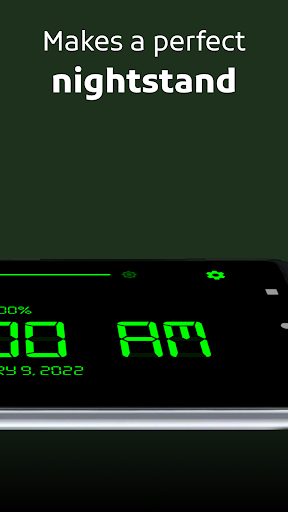
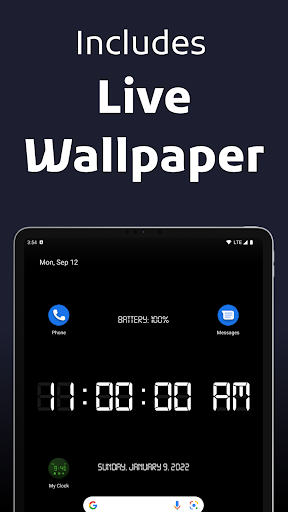
Turn your Android device into a simple, yet powerful digital clock with seconds, date and battery display with the MY CLOCK app. Now your phone or tablet will make a beautiful, functional and reliable tabletop clock!
Lots of features to enjoy:
• Accessible and easy-to-use app — no sign-up required.
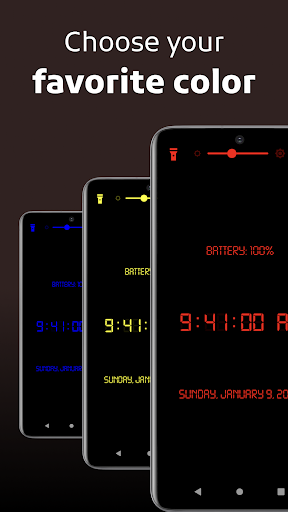
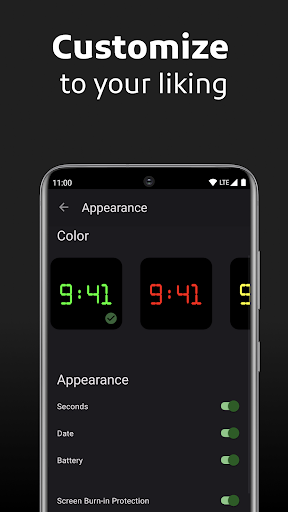
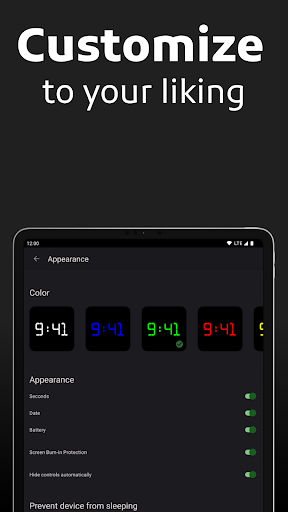
• Fully customizable digital clock face appearance: Seconds, Date, Battery Percentage, Color — you name it.
• Uses gorgeous and aesthetically pleasing Android 12 Material You user interface components.
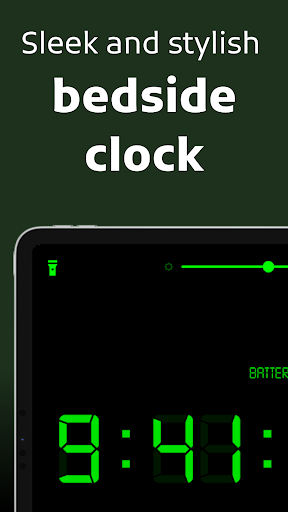
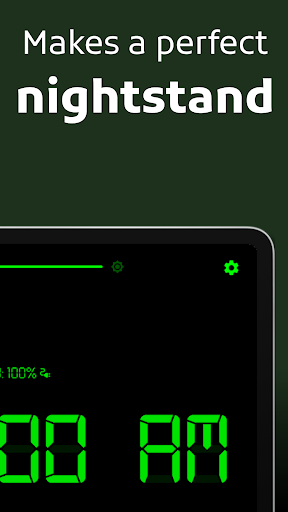
• Fully supports Portrait and Landscape orientations on small phones, large phablets or big tablet computers — makes a nice nightstand on any device.
• Support for AMOLED and OLED displays — this means richer blacks and higher-contrast colors with top-notch fidelity.
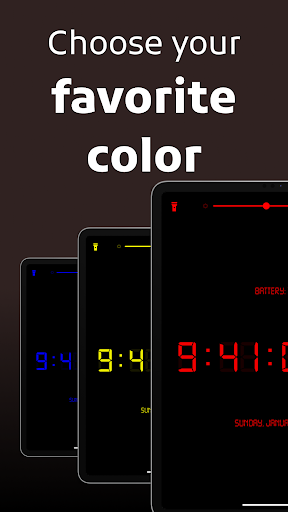
• Multiple vibrant clock colors to choose from!
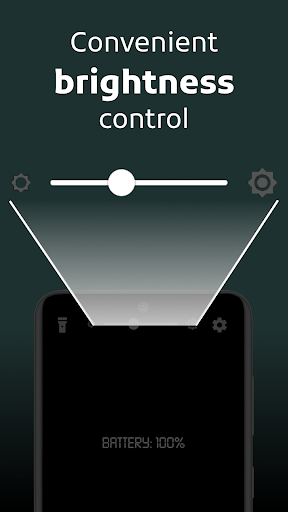
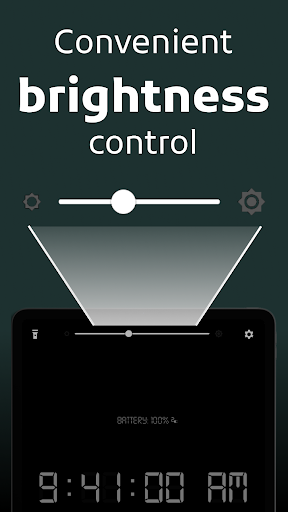
• Adjustable brightness without leaving the app — just swipe left or right on the slider to decrease or increase your device's backlight illumination level!
• Flip to Save Battery mode — simply place your device face down to turn off the screen and extend your battery life!
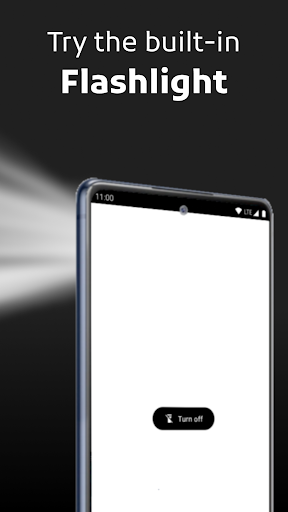
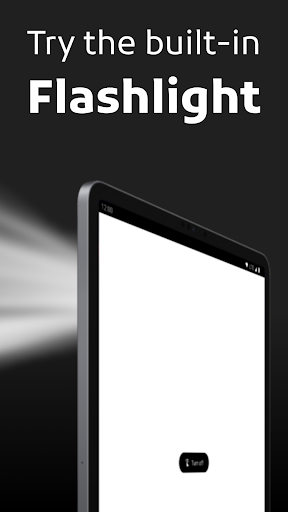
• Built-in Flashlight — sets your screen to full brightness and turns on the torch. Never get lost in the dark again!
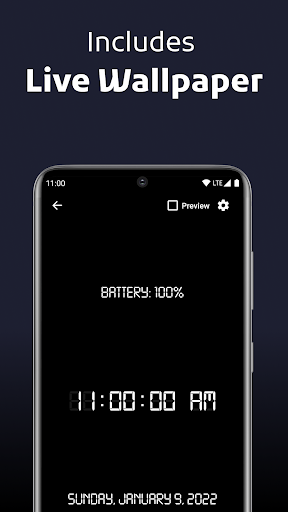
• Live Wallpaper — the same fully customizable experience as a background, even on the Lock Screen/Keyguard.
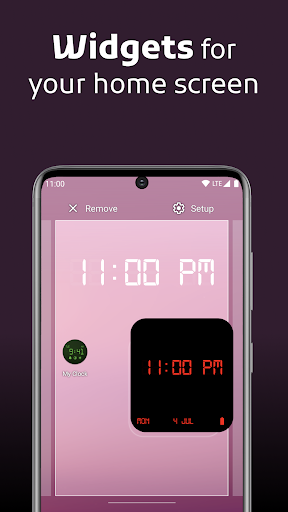
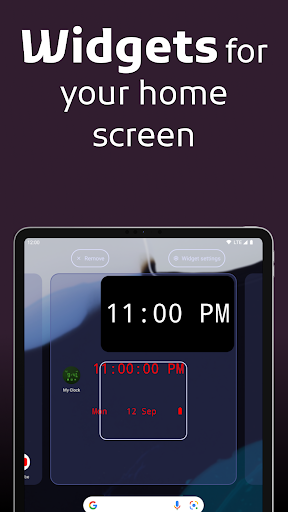
• Interactive Clock Widgets — so that you can get a quick glance at the latest time right on the Home Screen.
My Clock sets you up for both good night sleep and good morning wake ups — both offline and online, anytime, at any weather!
Terms & Conditions: https://www.iubenda.com/terms-and-conditions/56955108
Privacy Policy: https://www.iubenda.com/privacy-policy/56955108
In this update:
• internal adjustments
• bug fixes
• quality-of-life improvements





9Apps 4.9













