

To improve battery life or to reduce network consumption, you may not enable account auto-sync all the time. Smart Sync includes two tools that can help you enable sync easily.
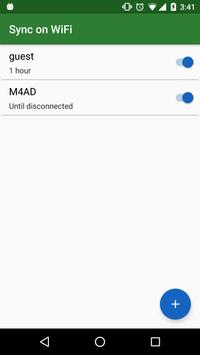
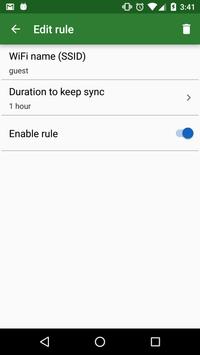
1. Sync on WiFi (SOW):
Enable account auto-sync when device connected to particular WiFi network.
Auto-sync will be disabled when WiFi network disconnected or by configurable duration.
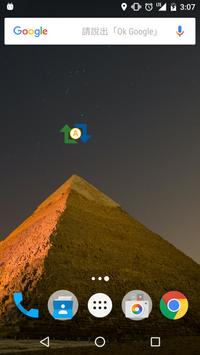
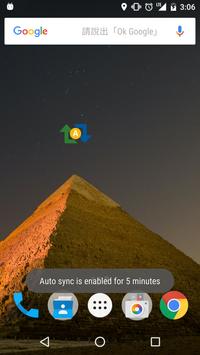
2. Sync on Demand (SOD) Widget:
Enable account auto-sync by one click on the widget.
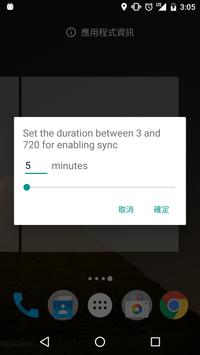
Auto-sync will be disabled after configurable duration.
You can set different duration for SOW and SOD.
[1.0.5]
Add confirm button in rule edit page to make user experience better



9Apps 4.9














