


**YOU CAN GET A REFUND FROM GOOGLE WITHIN 2 HRS OF PAYMENT IF YOU LIKE. THAT WAY YOU CAN TRY THIS APP WITHOUT PAYING FOR IT. WRITE A COMMENT AND CONTINUE USING OUR APP IF YOU FIND OUR SERVICE WORTH IT. **
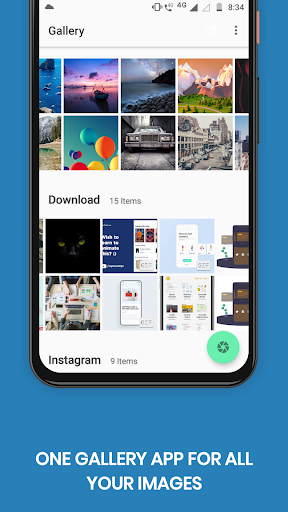
• A beautiful modern gallery with no ads or popups
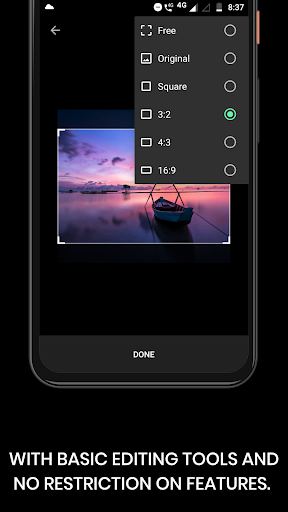
• Photo editor – crop, rotate, resize, draw, filters & more
• No internet access needed, giving you more privacy, security and stability
• No unnecessary permissions required
• Quickly search images, videos & other files
• Open and view many different photo and video types (RAW, SVG, panoramic, GIF etc)
• A variety of intuitive gestures to easily edit, rotate & organize files
• Lots of ways to filter, group and sort files
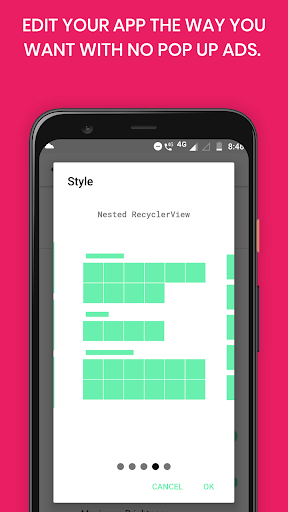
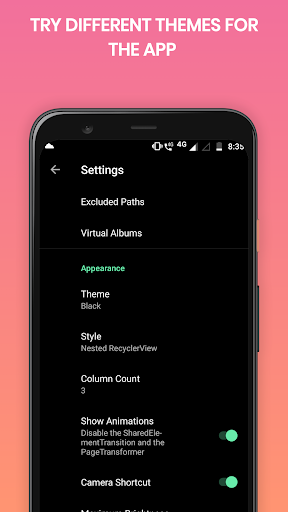
• Customize the appearance of Gallery Pro
• Available in over multiple languages
• Toggle visibility of files to hide photos & videos
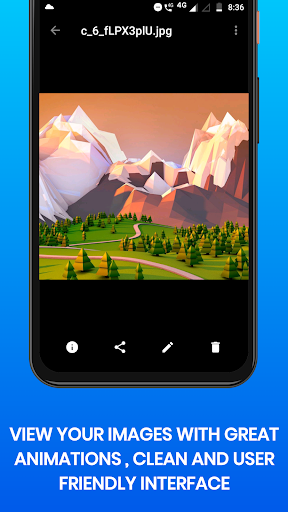
• View detailed information of your files (resolution, EXIF values etc)
• Zoom high quality photos, videos and GIFs easily with gestures
• Quick file share to social media, email or anywhere else
• Print images or set them as wallpaper with a few clicks
• Obvious presence of standard operations like rename, copy/move, delete
• Set any image as wallpaper without hassle
… and much much more!
ADVANCED PHOTO EDITOR Gallery Pro makes it easy to edit your pictures on the fly. Crop, flip, rotate and resize your pictures.
SUPPORT FOR MANY FILE TYPES Simple Gallery Pro supports a huge range of different file types including JPEG, PNG, MP4, MKV, RAW, SVG, GIF Panoramic photos, Panoramic videos and many more.
HIGHLY CUSTOMIZABLE FILE MANAGER From the UI to the function buttons on the bottom toolbar, Gallery Pro is highly customizable and works the way you want it to.
Our preview images were created with
Previewed











9Apps 4.9













