
Face Lock Screen
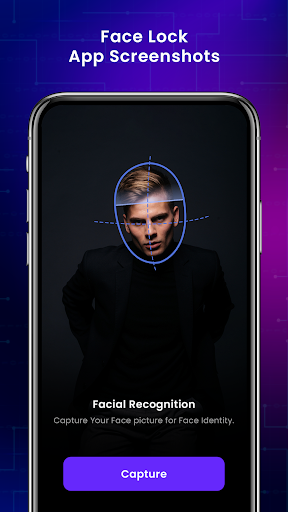
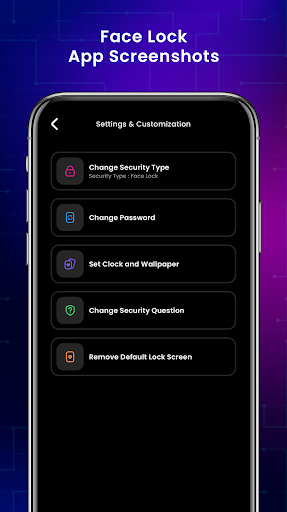
Use Face Lock App to protect your screen with your face! Your face is the key to unlock apps. It is based on most reliable advanced technique to protect you.
How to use Face Lock Screen :
1 . Install smart Face screen lock.
2. Lock & unlock screen device
3. Training Face ID
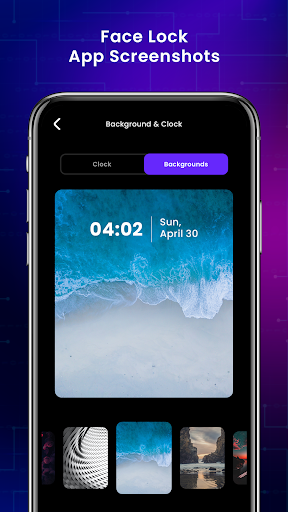
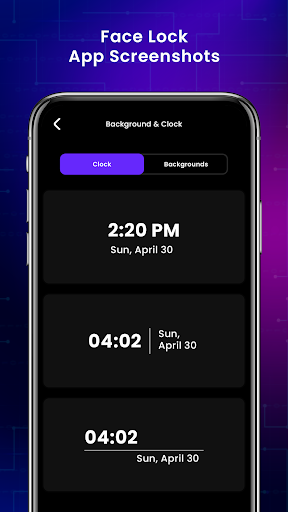
4. Select Multiple Beauty pictures (Backgrounds, wallpapers ) for Lock screen
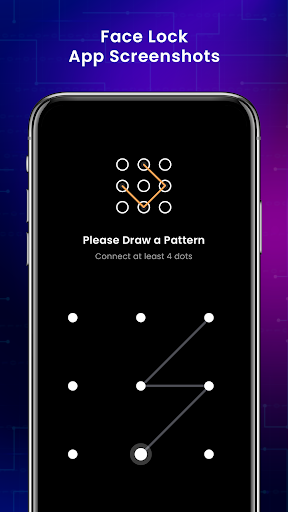
5. Passcode for unlock
6. Create a 4 digit recovery pincode.
7. Disable System lock screen
8. Confirm the pincode and your gesture is created.
Passwords :
1. Face Passcode
2. Pin Password
3. Pattern Passcode
If you get enjoyed, then give us good comments.


9Apps 4.9