

What does the free invoice maker app does?
In the
quick invoice
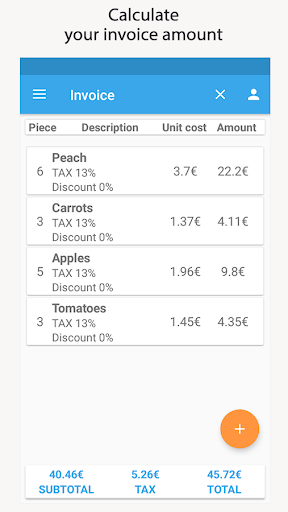
app, you can quickly and easily add your product items and calculate your invoice
subtotal
,
vat
and
total amount
directly with vat and discount rate on each product individually.
How to make an invoice using the free invoice maker?
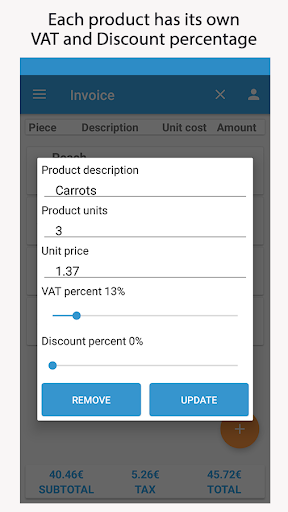
1. Press and add a new product
2. Write product description
3. Insert product units
4. Insert cost per unit
5. Select
vat
of each product
6. Select discount rate
7. Subtotal, VAT
and Total are calculated automatically
What is the free invoice maker special features?
1.
Vat rate is set for each product item separately
2. Discount rate is set for each product item separately
3.
Calculate the vat of your invoice
3.
You can select currency
4.
Easy and friendly user interface
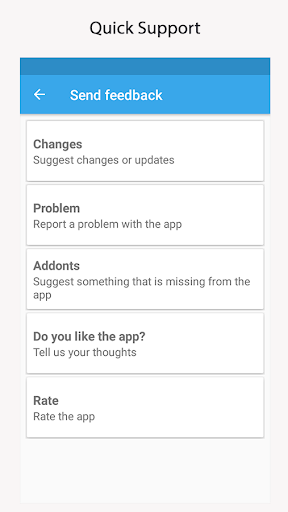
Your comments are useful for the development of the app. If you found the
free invoice maker
app useful leave a rating!
Fast Invoice Estimate




9Apps 4.9












