Tiny BASIC v2 - Interpreter & Quest icon

Tiny BASIC v2 - Interpreter & Quest

2.208 for Android
3.5 | 10,000+ Installs | Reviews

Visual Software Laboratory

Description of Tiny BASIC v2 - Interpreter & Quest

* tiny BASIC v3 which is Extended-BASIC is released:
https://play.google.com/store/apps/details?id=org.dyndns.vivi.TinyBASIC3
* tiny JavaScript is released:
https://play.google.com/store/apps/details?id=org.dyndns.vivi.TinyJS
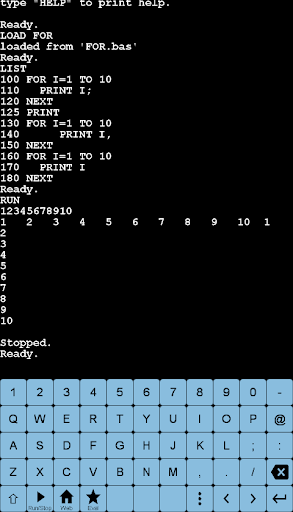
Tiny BASIC language interepreter ver 2.x
- Line number editor
- data type: 32 bit integer, double precision floating point
- Array declaration by DIM statement
- NPUT statement, DATA · READ statement
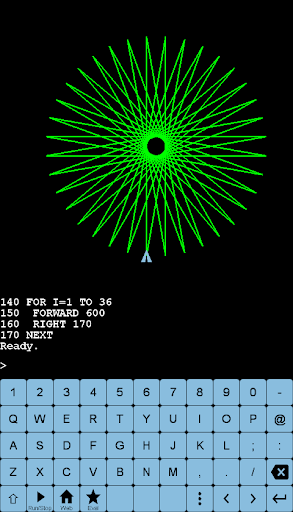
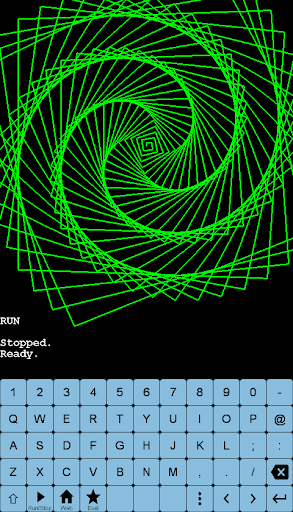
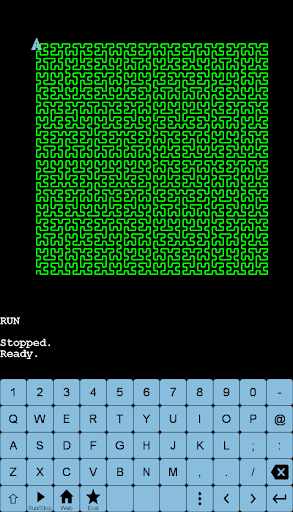
- Graphics Instruction · Turtle Graphics Instruction
- program code samples
- Interpreter mode & Quest mode

What's New with Tiny BASIC v2 - Interpreter & Quest 2.208

64bit build

Information

  • Category:
    Education
  • Latest Version:
    2.208
  • Updated:
    2019-07-04
  • File size:
    5.2MB
  • Requirements:
    Android 4.1 or later
  • Developer:
    Visual Software Laboratory
  • ID:
    org.dyndns.vivi.TinyBASIC2
  • Available on:
Reviews
  • avatar
    Good
    2020-07-23 07:03
  • avatar
    So far so good. Misspelled Interpreter on opening screen. LOL!
    2020-02-03 04:42
  • avatar
    Nice program for the phone. It seems the READ statement only works for numeric data. Sure would be handy to have it work for WORDS as well. Can you add this feature?
    2020-01-01 01:40
  • avatar
    Only complaint: there is no way of deleting and renaming a program. UPDATE: Yes, now I can do it, but there is another bug: if I save as test.bas *giving the extension* I cant see it with dir, but I can load it (giving extension). If I don't put the extension it appear as test.bas.
    2019-10-16 11:42
  • avatar
    Doesn't tell the fault when I make a mistake
    2019-09-29 11:54
  • avatar
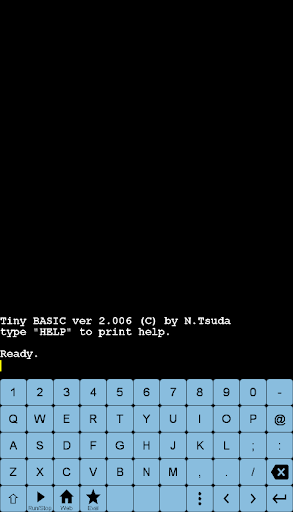
    This is awesome! It works exactly as if you were typing commands on a real, vintage 8-bit computer! I used the Interpreter option, and it opens a blank, black screen where you can just start writing a BASIC program. So far, it seems to recognize everything that you could do on a real computer - line numbers, INPUT, PRINT, etc. It even reconizes DOS commands! You can save your programs by just typing SAVE and a file name. You can see a list of your files by typing DIR. Very cool!
    2019-09-27 09:04