Standard Calculator (StdCalc) icon

Standard Calculator (StdCalc)

1.2.4 for Android
4.3 | 100,000+ Installs | Reviews

roaming squirrel

Description of Standard Calculator (StdCalc)

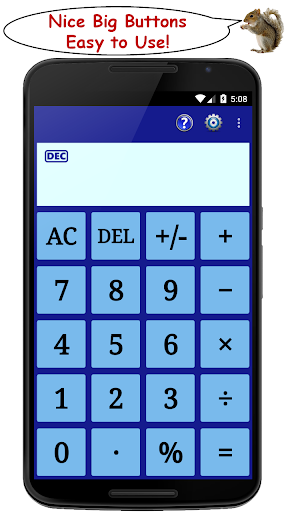
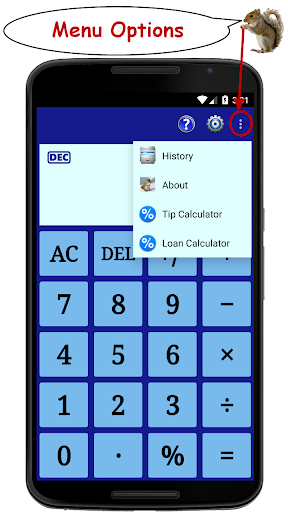
A simple, easy to use, calculator designed to be more functional than the default installed model - also includes a tip calculator and a loan calculator, both of which can be accessed from the menu - features of the main calculator include:
• decimal mode
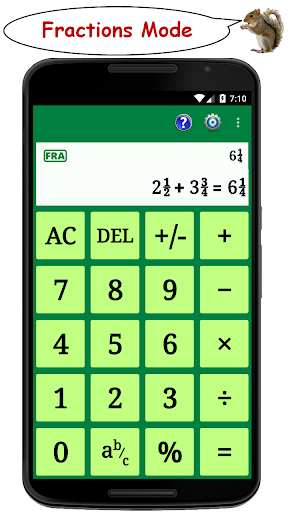
• fractions mode
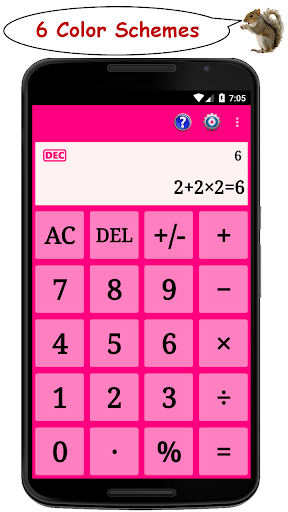
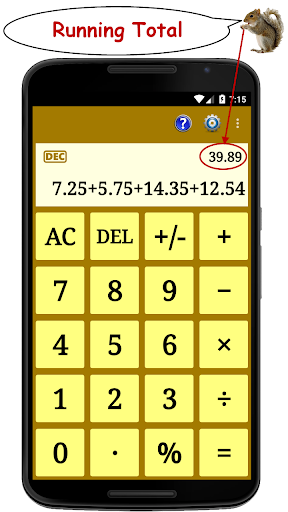
• running total of each calculation shown as it is entered
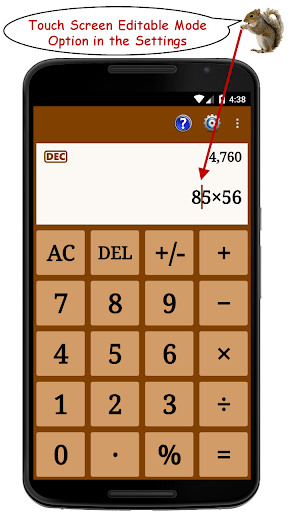
• full text of the calculation is displayed as it is entered
• the output text can be set to scroll either horizontally (the default) or vertically
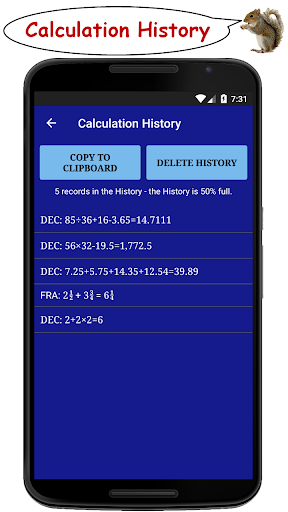
• full text of each calculation is stored in the history
• results of each calculation can be reclaimed from the history and reused in future calculations
• a range of color schemes to suit different moods
Useful whilst shopping to monitor a running total of your purchases.
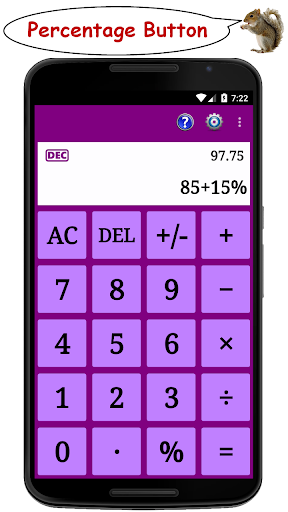
Use it to determine discounts, surcharges, sales tax etc. via the percentage function.
A help section, where the main functions of the application are explained, can be accessed via the menu.
This is an ad-supported app - upgrade to an ad-free version for USD 0.99 (or the equivalent in local currency) via https://play.google.com/store/apps/details?id=com.roamingsquirrel.android.standard_calculator_plus


Information

  • Category:
    Tools
  • Latest Version:
    1.2.4
  • Updated:
    2022-03-10
  • File size:
    5.1MB
  • Requirements:
    Android 4.4 or later
  • Developer:
    roaming squirrel
  • ID:
    com.roamingsquirrel.android.standard_calculator
  • Available on:
Reviews
  • avatar
    यह तेजी से डाउनलोड है।हाना
    2020-08-08 04:16
  • avatar
    This app is easy to use & has a lot of different options for doing different kinds of equations.
    2020-03-28 02:41
  • avatar
    Awsum
    2020-01-09 06:09
  • avatar
    awful why should u pay for something that doesn't work don't down.low
    2019-05-27 02:41
  • avatar
    it works
    2019-04-05 06:46
  • avatar
    The best basic calculator I could find on Chromebook. It is basic if you want it to be or you can use different modes for many other needs. The basic is vertical, clear to read and has a percentage key. You would be surprised how many calculator apps on Chromebook don't offer these valuable qualities. If you need a scientific or financial calculator they have that too for free! Very considerate app that imagines what the practical user needs. Great job! Keep up the great work!
    2019-02-16 05:57