

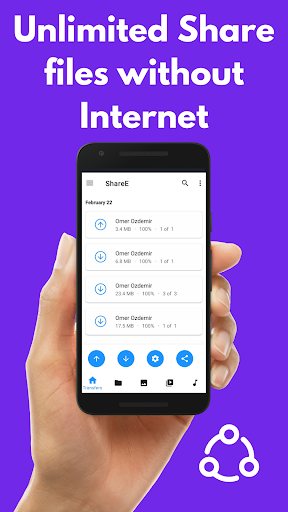
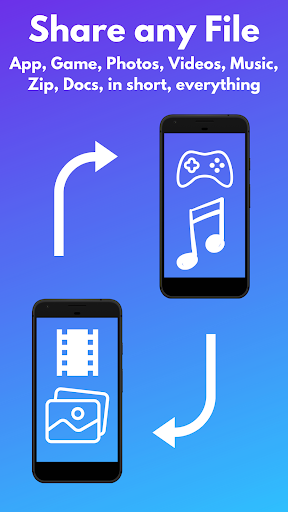
ShareE allows share your Apps, Games, Files, Photos, Videos, Music, Audio files, in short, everything that is on your phone with another Android device, anywhere, without the Internet. You can also transfer all your files to your computer. You can choose from a variety of formats. ShareE supports all file formats (png, jpg, pdf, mp4, mp3, wav, ogg etc.), You can securely share Photos, Videos, Apps (APK), Music, Videos or send multiple files. ShareE is very fast, safer than other applications. ShareE is an useful application that should be installed on every phone because it makes your life easier.
Why ShareE?
Why ShareE? The answer to the question is very long but to put it shortly, ShareE is a faster, more convenient and secure file sharing application compared to other applications. Your files are encryptedly sent or received. When you receive the files on your phone, it scans for viruses. It can be used without the Internet. It makes your life easier with phone tools. Also, you do not need to install Flashlight, QR Code and Barcode application. It is small in size and does not take up much space on your phone. It is user friendly. Reaches the best speeds. It gives the user pleasure. It makes your life easier by helping you share the highest speed photo, video, app (APK), Music, File transfer and more!
Features
► Share, Transfer or Receive files Anywhere, Anytime, No Internet
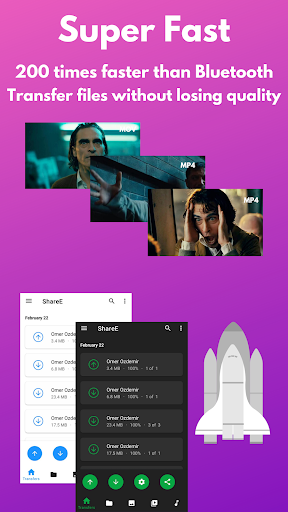
► Share, Transfer or Receive files 200 times faster than Bluetooth
► Send or Receive multiple files to another Android device safely
► Send Game or App. (APK)
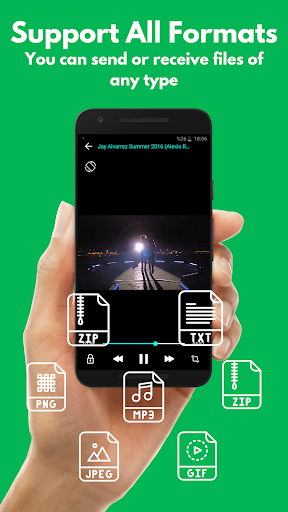
► Supports all file formats
► Text Send, Share or Receive
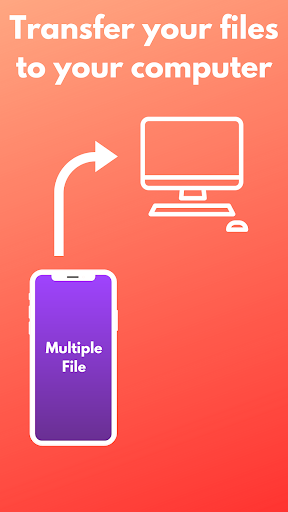
► You can easily transfer files to the computer.
► Share in Browser
► Manage your files, move them, change their name.
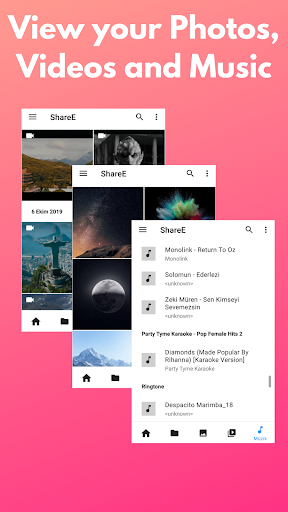
► View and manage pictures
► Play and manage Music and Videos
► Multiple themes
► Dark Mode
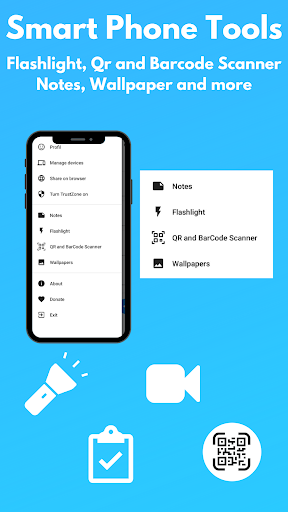
► Smartphone tools
► Flashlight
► QR & Barcode Scanner
► Notes, (You can share your notes with another device)
► Wallpapers
► Easy to use
► Create or edit a profile
► 200 times faster than Bluetooth
► Reach speeds up to 40 Mb/s, send and share files quickly.
► How to Use? (Step by step)
To Share a File ►
Step 1: Open the ShareE App and click the send button
Step 2: Select the files you want to send, share, transfer and click on the next button.
Step 3: If you want, you can share on your Browser, and you can download the shared files by go to the link from your computer or another device.
If you have not yet added another device, click the [ ] button. Then click on 'Existing connections'. and this Scan the QR Code from other device
Step 4: Click on the matching device and quickly send, share, transfer your files. You can also choose the matching device as a safe device.
To Receive Files ►
Step 1: Open the ShareE App and click the Receive button
Step 2: In the window that opens, pair your friend's device with your device. (By installing hotspot or using existing links)
Step 3: In the notification that comes after pairing, you can quickly receive Game, APK, Application, Photo, Video by choosing one of the Take or Reject options.
ShareE is the fastest and most secure file sharing tool. If you always want to share files in the best way. Give ShareE a chance
ShareE will make your life easier and make you feel happy.
If you like the app, please give us 5 stars and share it with your friends. Let's be a big family.
Follow us on Social Media ►
► Instagram.com/shareeapplication
► Twitter.com/shareeapp
For help questions and comments:
► shareeapphelp@gmail.com
Some Bugs Fixed
Notes tool added
Application powered
You can Remove Ads



9Apps 4.9













