
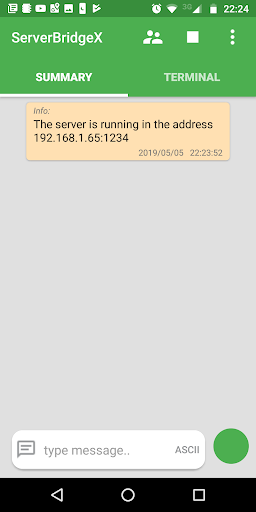
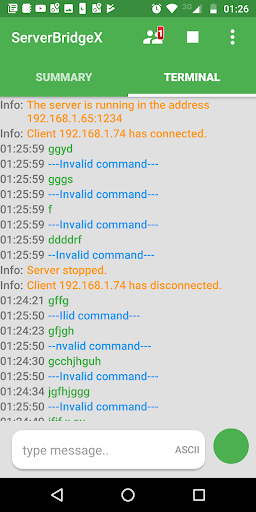
Server Bridge is an application that allows a device with usb-serial converter
to interface directly to a TCP / IP network and communicate with applications or Telnet Client Terminal programs.
Connect a device with USB to Serial converter, such as Arduino, to your phone or tablet; to
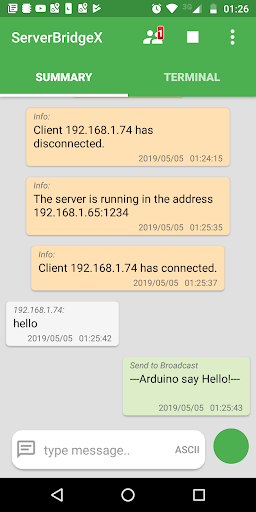
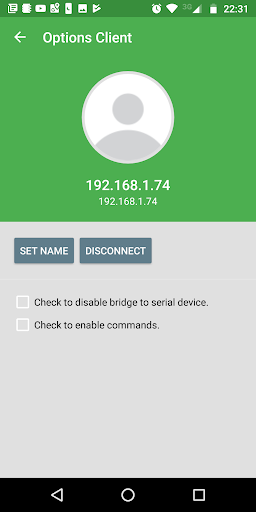
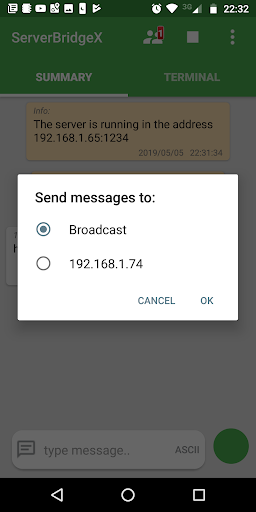
send and receive data over any TCP/IP-based network. Server Bridge also allows you to send and receive data between clients connected to the server using special commands.
This app supports USB to serial converters based on:
-CP210X
-CDC Devices
-FTDI
-PL2303
-CH34x
-CP2130 SPI-USB
Default: 9600,8,1,None,flow off
To connect USB to serial converters, your android device must support USB-Host Mode a.k.a USB On-The-Go (USB-OTG).
The USB-Host mode is today supported by most devices, but check before with one of several USB test applications, if host mode is enabled in your android kernel.
Use the OTG cable to connect the usb device on your smart phone.
Features:
-Send or receive data to USB-serial device over a TCP/IP network with any
Telnet Client Terminal application or program, like HyperTerminal.
-Works as a background service, this means you don't have to keep the app open all the time.
-Allows you to send and receive data between connected clients.
-The data flow can be viewed in ASCII or HEX.
Bug fixes in Android versions.
Send Log file of Received and Sent data.
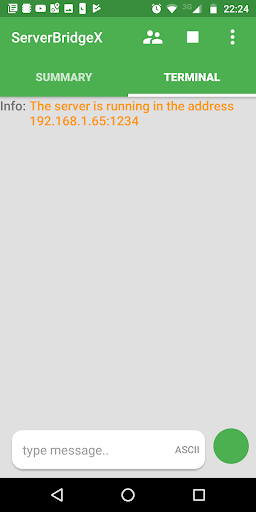
Separate panels for Server and Terminal.





9Apps 4.9














