

Screen Recorder with Audio & Video Editor
Screen Recorder with Audio & Video Recorder & Editor records your phone screen at a highly quality HD video. Quick Video Recorder can record on the phone during the operation into a video for example while watching video or playing games on phone.
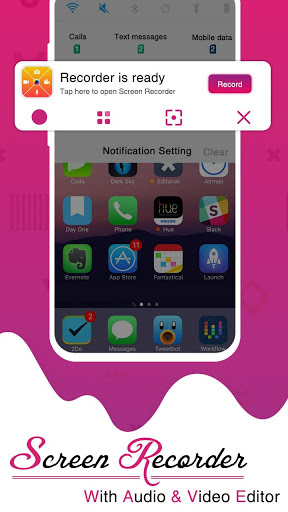
Quick Video Recorder helps you record video by one click easily with the option to enable/disable camera shutter sounds and preview. Useful functions include continuous recording when your screen is off, scheduled recording, an easy to use one-click Video Recorder shortcut/ bubble & support for multiple languages.Then share record video with friends by using various video sharing and options.
Screen Recorder for android is perfect for gamers and marketers who want to record their gaming sessions to create tutorial videos, promotional video. Screen recorder for Youtube video recorders, content creators and App Reviewers/ Recorders can use this easy free tool for creating high-quality HD videos and later upload and monetize the content on their own video channels. Upload the captured videos as Youtube tutorials on your youtube account. It's free to upload videos to your youtube account.
Screen Recorder with Audio and Facecam Screenshot, you're coming up to a video recording that will record while you're playing games with face camera. You will get the high quality screen recorder at no cost. You can record games while you play, record screen and audio or record video calls.
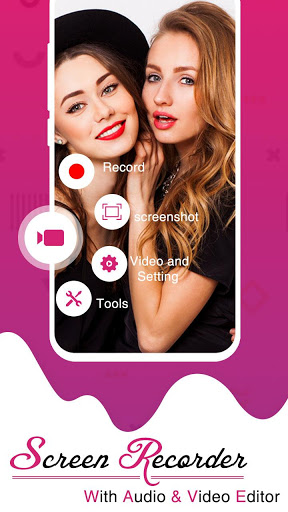
You can Also take screenshots with a single touch. Moreover, you will have a video recording that will record while you re playing games with face camera. On the other hand, it is a camera that can record your face and screen.
To start to record on screen via REC app, open a camera that can record your face and screen and use the floating bar on the home screen. The button that controls your recording will not show up when recording screen video. Also, you can set the countdown timer with the screen camera recorder.
Features :
- Screen Recorder and Editor
- Screen recording with internal audio
- Record games on your phone in unlimited time
- Rec app can customize the size of video and frame rate
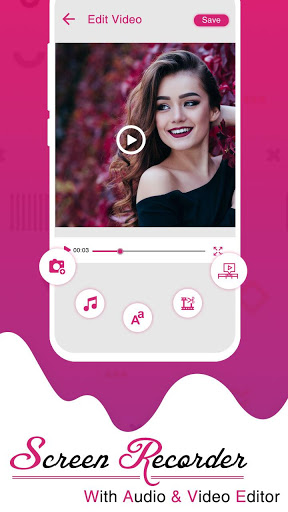
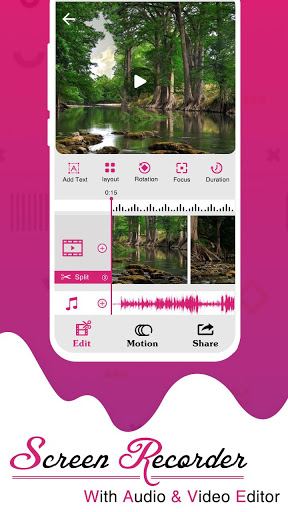
- Video Cutter: Choose the best part of the video for the most impressive footage
- Set the countdown timer for the recorder screen recorder
- Draw on the screen while recording
- Cut video into segments
- Add effects to fast / slow video
- Capture Screenshot & Video screen capture
- REC app is Take screenshot without button press
- Screen Recorder Support photo editing tools
- Screen recorder with audio and editor & screenshot
- REC app can choose the resolution for the video
- Screen Recorder can customize video title when saving
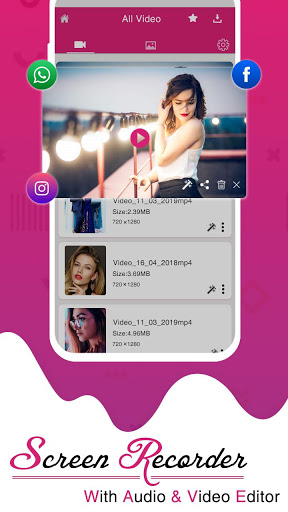
- Share video through social networks
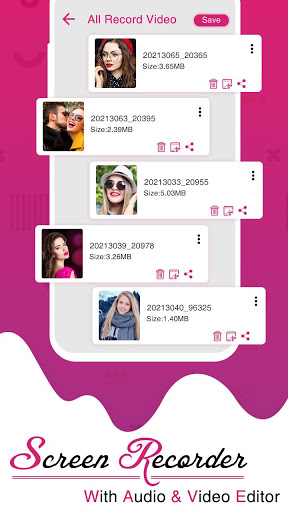
Screen Recorder free videos are stored in an easy to find a folder, so you can use your favorite applications to view, edit or record video chat and share with friends.
Thanks...










9Apps 4.9














