
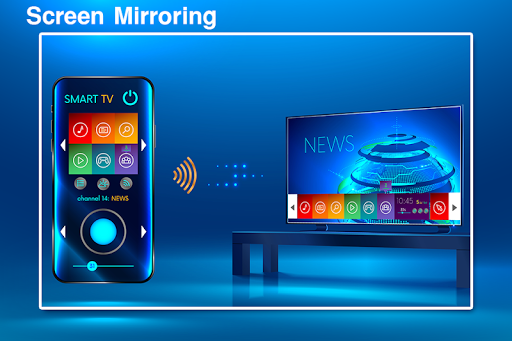
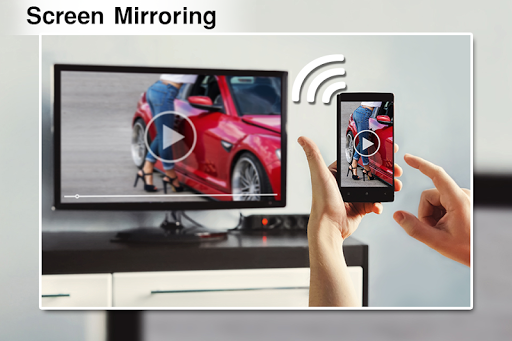
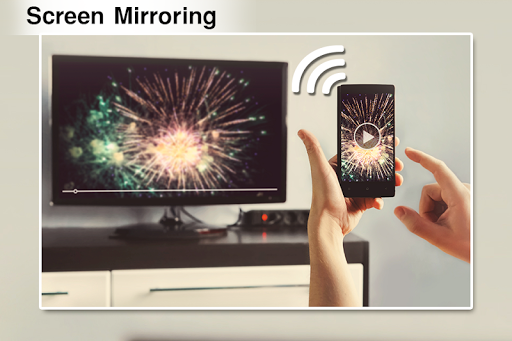
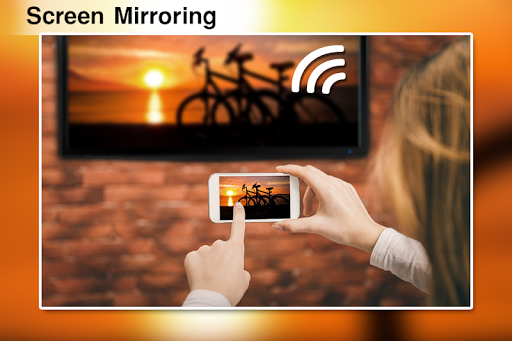
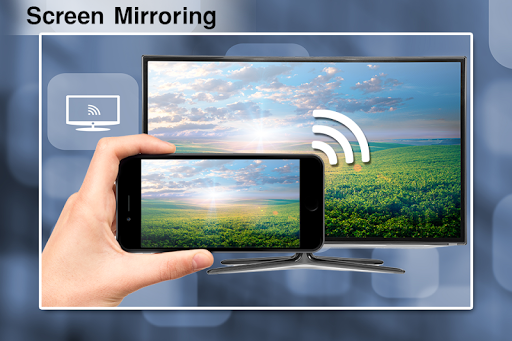
Screen Mirroring App will assist you to scan and mirror your android phone or tab's screen on smart TV/Display or Wireless dongles or adapters.
Screen Mirroring Able to play videos, music, photos, etc in my smartphone with any devices (smartphone, smart TV, laptop, tablet, etc) at anywhere.
Screen Mirroring is useful for streaming movies, videos, access photos and apps on the TV screen. You can easily connect your smartphone with your TV wirelessly. You can search your favorite TV shows and series and easily stream them anytime on your TV screen.
Mirroring your mobile screen on your TV can be useful when you're showing off photos from a recent trip, playing a game or giving a demonstration. With this Screen Mirroring App, you'll be able to duplicate your Android phone's screen on TV screen.
Watching videos on your TV or tablet is great, Streaming those movies on your big TV screen? Better yet. This’s the best Screen Stream Mirroring app to view your phone on your TV. If you are searching for How to Connect Phone to TV without Hdmi then this is the best Mobile Connect To TV app, you will find!
a Screen Mirroring can only play contents but send screen as is such as HDMI, MHL and Chromecast. It has been tested and found works on most of android mobiles.
Please follow below steps to mirror your mobile screen to smart TV.
1) Your TV should support Wireless Display or any sort of Display Dongles.
2) The TV must be connected to wifi network same as your phone.
3) The Phone version must be android 4.2 and above.
4) Download and run Screen Mirroring App. Click connect button in app.
Reminder:
In order to work properly, this app requires that your Android device and your target device (computer, notebook or tablet) are in the same WiFi network (or connected via the smartphones hotspot). Smart TVs might not work, since some of their browsers do not support the needed features for Screen Mirror. Furthermore an internet connection is required.





9Apps 4.9












