
There you can get the android apps APK installed on your device. 30,000+ users downloaded Screen Mirroring latest version on 9Apps for free every week! It has been a popular app for a long time. This hot app was released on 2020-04-21. 9Apps allows you to download more apps and updated daily!
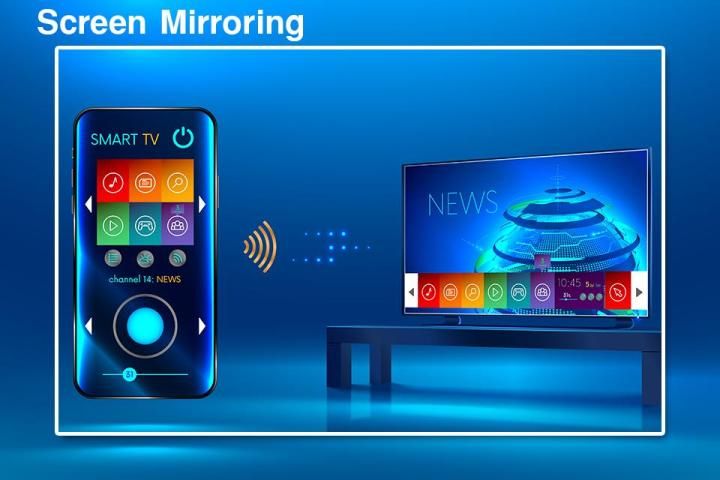
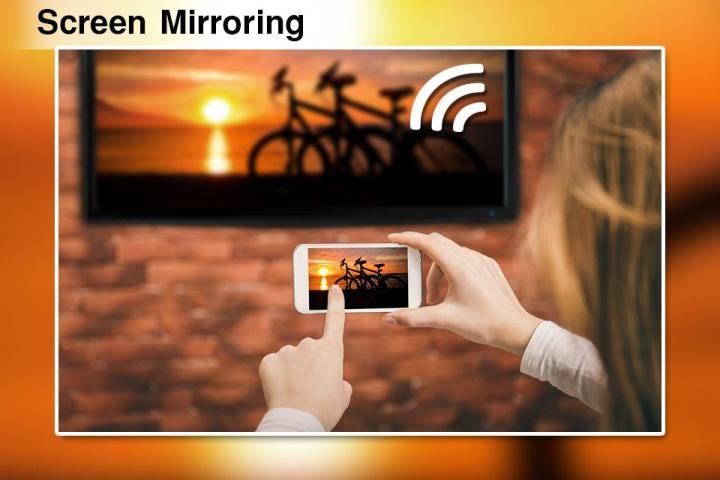
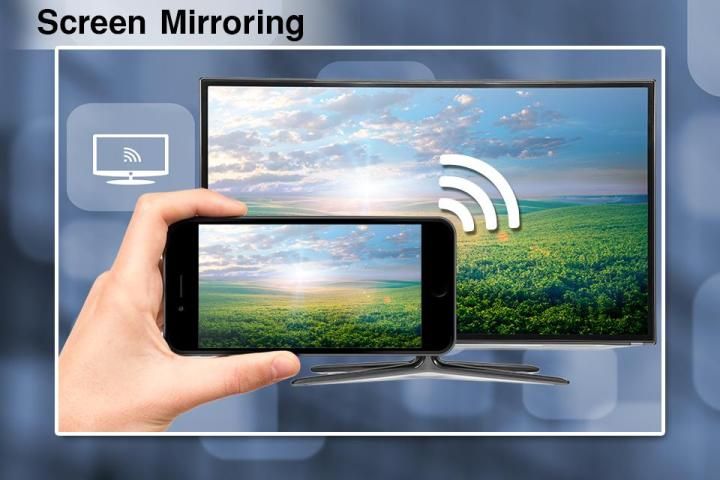
Screen Mirroring App will assist you to scan and mirror your android phone or tab's screen on smart TV/Display (mira cast enabled ) or Wireless dongles or adapters.
Screen Mirroring Able to play videos, music, photos, etc in my smartphone with any devices (smartphone, smart TV, laptop, tablet, etc) at anywhere.
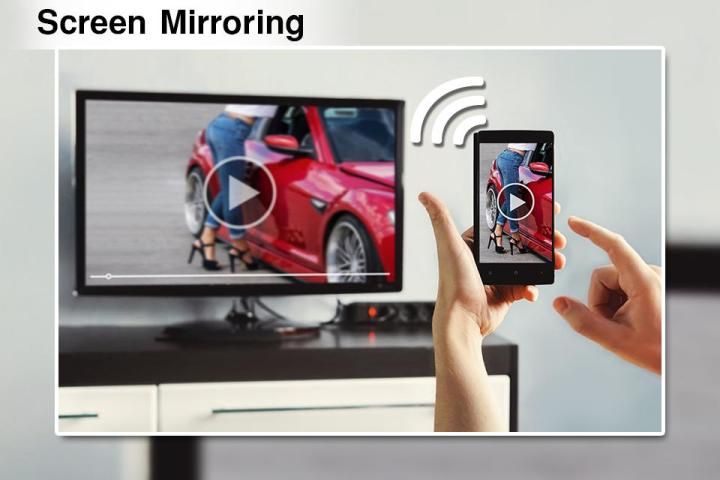
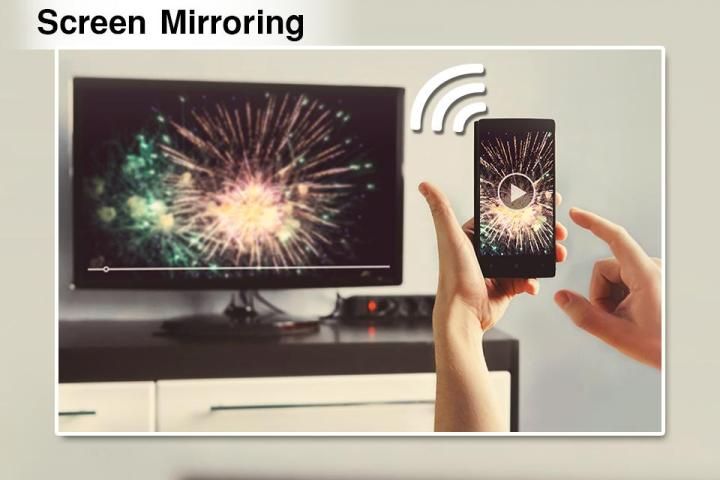
Screen Mirroring is useful for streaming movies, videos, access photos and apps on the TV screen. You can easily connect your smartphone with your TV wirelessly. You can search your favorite TV shows and series and easily stream them anytime on your TV screen.
Mirroring your mobile screen on your TV can be useful when you're showing off photos from a recent trip, playing a game or giving a demonstration. With this Screen Mirroring App, you'll be able to duplicate your Android phone's screen on TV screen.
Watching videos on your TV or tablet is great, Streaming those movies on your big TV screen? Better yet. This’s the best Screen Stream Mirroring app to view your phone on your TV. If you are searching for How to Connect Phone to TV without Hdmi then this is the best Mobile Connect To TV app, you will find!
a Screen Mirroring can only play contents but send screen as is such as HDMI, MHL and Chromecast. It has been tested and found works on most of android mobiles.
Also known as:
screen mirroring app
mirror screen
screen mirroring samsung tv
mirror tv
screen mirroring samsung smart tv
samsung screen mirroring
mirror cast
screen mirroring Samsung
cast screen android
samsung mirroring app
mirror screen android
screen mirroring for samsung tv
mirroring to tv
screen mirroring laptop
MiraCast
Mobile Screen to TV Screen
Connect Mobile with TV
Mobile Video to TV Screen
Please follow below steps to mirror your mobile screen to smart TV.
1) Your TV should support Wireless Display or any sort of Display Dongles.
2) The TV must be connected to wifi network same as your phone.
3) The Phone version must be android 4.2 and above.
4) Download and run Screen Mirroring App. Click connect button in app.
Reminder:
In order to work properly, this app requires that your Android device and your target device (computer, notebook or tablet) are in the same WiFi network (or connected via the smartphones hotspot). Smart TVs might not work, since some of their browsers do not support the needed features for Screen Mirror. Furthermore an internet connection is required.
Aplikasi Screen Mirroring akan membantu Anda untuk memindai dan mencerminkan ponsel Android Anda atau layar tab di smart TV / Display (mira cast diaktifkan) atau dongle atau adapter nirkabel.
Pencerminan Layar Mampu memutar video, musik, foto, dll di ponsel cerdas saya dengan perangkat apa pun (ponsel cerdas, TV pintar, laptop, tablet, dll) di mana saja.
Screen Mirroring berguna untuk streaming film, video, mengakses foto dan aplikasi di layar TV. Anda dapat dengan mudah menghubungkan ponsel cerdas Anda dengan TV Anda secara nirkabel. Anda dapat mencari acara dan serial TV favorit Anda dan dengan mudah mengalirkannya kapan saja di layar TV Anda.
Mencerminkan layar ponsel Anda di TV dapat berguna saat Anda memamerkan foto dari perjalanan baru-baru ini, bermain game atau memberikan demonstrasi. Dengan Aplikasi Pencerminan Layar ini, Anda akan dapat menduplikasi layar ponsel Android Anda di layar TV.
Menonton video di TV atau tablet Anda hebat, Streaming film-film itu di layar TV besar Anda? Lebih baik. Ini adalah aplikasi Screen Stream Mirroring terbaik untuk melihat telepon Anda di TV Anda. Jika Anda mencari Cara Menghubungkan Telepon ke TV tanpa Hdmi maka ini adalah aplikasi Mobile Connect To TV terbaik, Anda akan menemukannya!
Screen Mirroring hanya dapat memutar konten tetapi mengirim layar apa adanya seperti HDMI, MHL, dan Chromecast. Ini telah diuji dan ditemukan bekerja pada sebagian besar ponsel Android.
Juga dikenal sebagai:
aplikasi mirroring layar
layar cermin
mirroring layar samsung tv
tv cermin
mirroring layar samsung smart tv
mirroring layar samsung
pemeran cermin
mirroring layar Samsung
melemparkan layar android
aplikasi mirroring samsung
layar cermin android
mirroring layar untuk samsung tv
mirroring ke tv
laptop mirroring layar
MiraCast
Layar Ponsel ke Layar TV
Hubungkan Ponsel dengan TV
Video Mobile ke Layar TV
Ikuti langkah-langkah di bawah ini untuk mencerminkan layar ponsel Anda ke TV pintar.
1) TV Anda harus mendukung Layar Nirkabel atau Dongles Layar apa pun.
2) TV harus terhubung ke jaringan wifi yang sama dengan telepon Anda.
3) Versi Telepon harus Android 4.2 ke atas.
4) Unduh dan jalankan Aplikasi Pencerminan Layar. Klik tombol sambungkan di aplikasi.
Peringatan:
Agar berfungsi dengan baik, aplikasi ini mensyaratkan bahwa perangkat Android Anda dan perangkat target Anda (komputer, notebook atau tablet) berada di jaringan WiFi yang sama (atau terhubung melalui hotspot smartphone). Smart TV mungkin tidak berfungsi, karena beberapa browser mereka tidak mendukung fitur yang dibutuhkan untuk Screen Mirror. Selain itu koneksi internet diperlukan.




9Apps 4.9










