


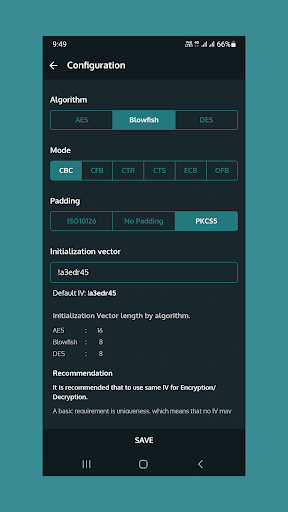
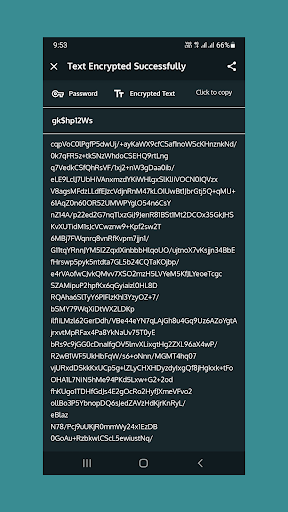
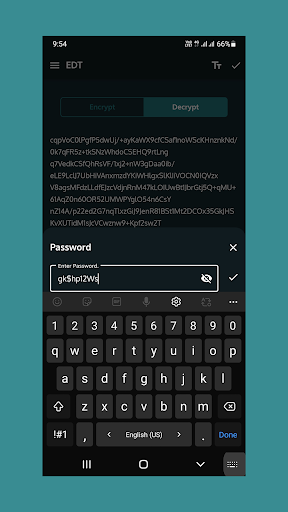
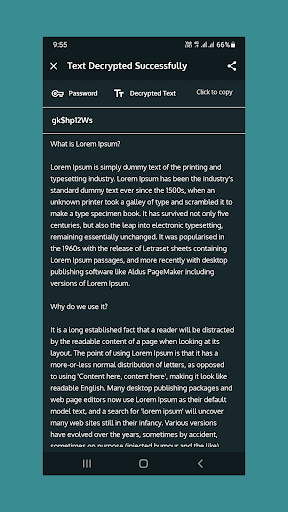
This application allow users to Encrypt/Decrypt text/messages using AES, Blowfish and DES algorithm.
Steps:
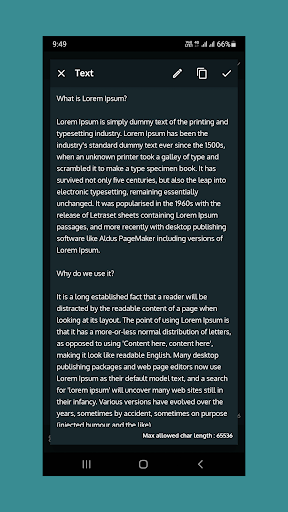
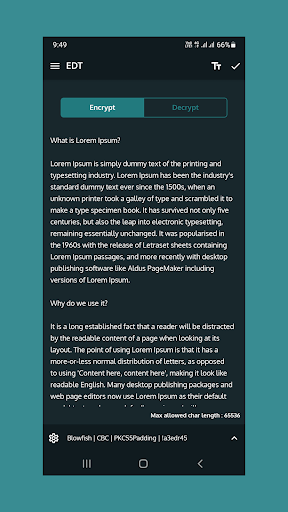
- To encrypt/decrypt your text enter or copy your message to text box.
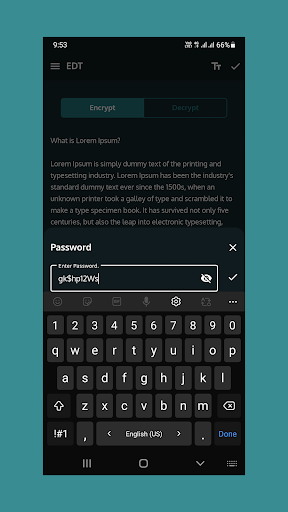
- Click on done icon and it will ask you for the secure key, which should be minimum 6 char long.
- Remember that, if you forgot your key, you can not decrypt encrypted text without it.
- Flow is same for the decryption, select decrypt mode from the top left side of screen, then enter key.
- All encrypted and decrypted text will be visible in next screen with secure key.
Note:
Text which are encrypted with this application or with same algorithm used in this application only decrypted and same goes for encryption.
This application will not able to encrypt or decrypt text which have used different algorithm.




9Apps 4.9













