

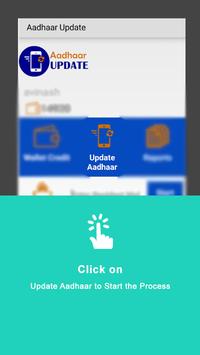



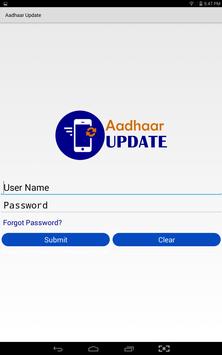
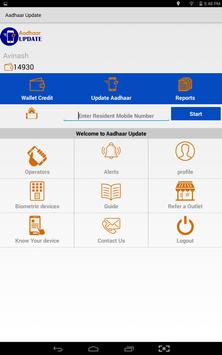
This application allows Syntizen Technologies Business Corespondents to update any residents Aadhaar information.
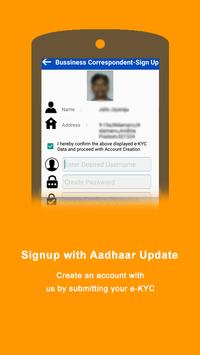
To on-board as a Business Correspondent visit aadhaarupdate.com and Signup an account using e-KYC
Once the account is
approved, our BC can start updating the Aadhaar Information.
Business Correspondent On-Boarding Process:
1. Sign Up online by submitting your e-KYC
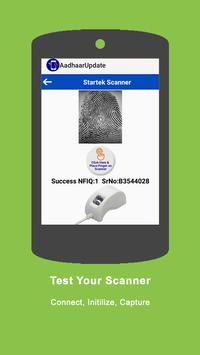
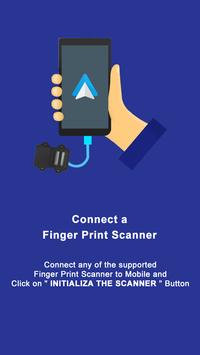
2. Buy a Bio-metric device (Currently our application supports Mantra Android,Mantra Desktop, Morpho, Visiontek,Startek Fingerprint Scanners)
3. Sign our Business Corespondent Agreement
4. Topup with Virtual Credit
5. Start Updating Aadhaars
Aadhaar Updating Process:
Step-1
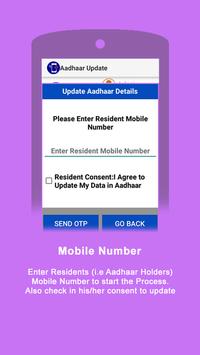
Enter Residents Mobile Number which they want to update in Aadhaar & Send OTP.
Step-2
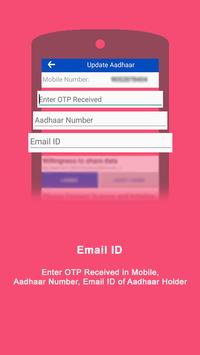
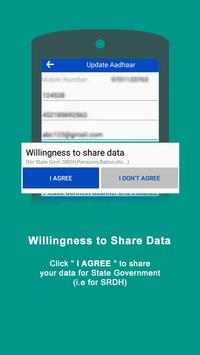
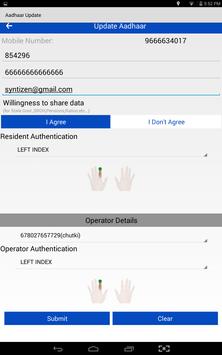
Enter Residents Aadhaar Number, OTP received along with Email ID, Data Sharing Consent and scan Fingerprint
Step-3
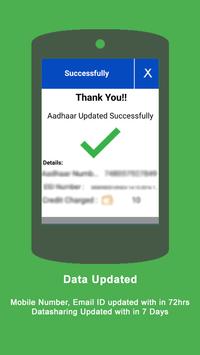
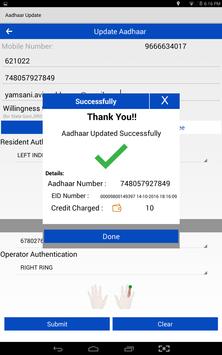
Select Agent Aadhaar Number, Scan Finger print and Submit. You will get a Success
response with EID (Enrollment ID) - Residents update request will be processed in 72hrs.
Step-4
For Updating/Correcting "Name - Gender - DOB - Address" visit resident.uidai.net.in
portal post updating your Mobile Number.
Supported Bio metric Devices:
1.Mantra Android
2.Morpho
3.Startek
4.Mantra Desktop
5.Visiontek ( But at http://www.shopclues.com/visiontek-finger-print-scanner-biometric.html)
For more information:
visit www.aadhaarupdate.com
email us at support@syntizen.in
Secugen Biometric Scanner is integrated



9Apps 4.9