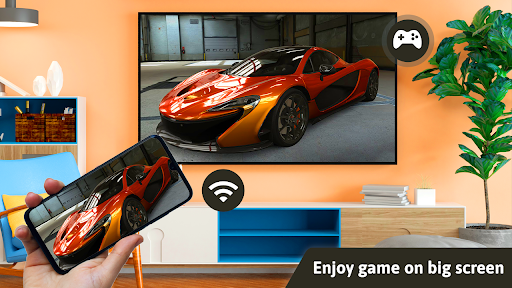
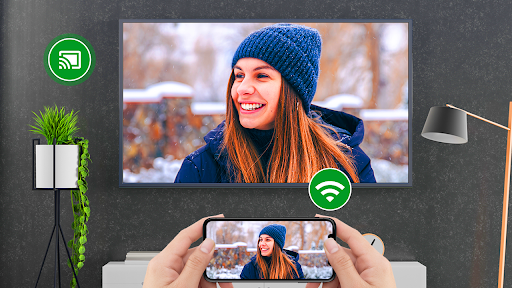
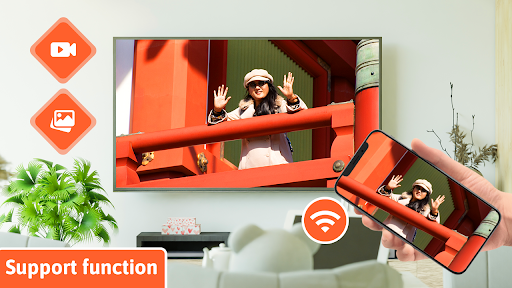
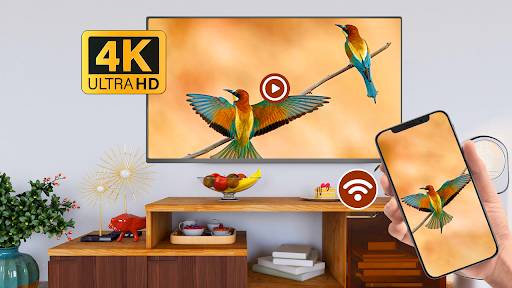
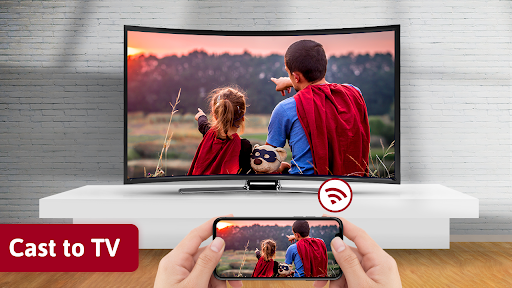
If you are not having fun by looking at your small cellular phone screen, you will get a great big screen phone experience by connecting your phone to a TV screen with screen mirroring with all tv app.
Connect your android phone with Smart TV by the screen-sharing app, and enjoy it on a larger screen. Your Smart TV should support wireless display for using Screen mirroring highlights.
Your Smart TV must be connected to the same wireless network with which your Smart Phone is connected for Screen Mirroring.
HD Screen Mirroring app will help you to scan and mirror your android phone or tablet screen on your Smart TV display. Enjoy your mobile screen contents in your smart tv screen using HD screen mirroring.
Screen Mirroring is a tool, which allows you to mirror your smartphone on the TV screen with high quality. You can easily access all of your games, photos, videos and other application on a big screen using Mirror Screen to TV App.
How to Use HD Video Screen Cast :-
1. Make sure your phone/tablet and smart TV are connected to the same Wi-Fi network.
2. Enable “Wireless display” on your phone.
3. Enable “Miracast” on your smart TV.
4. Search and pair the device.
5. Click on connect and Enjoy HD Screen Casting.
Thanks for downloading HD Video Screen Cast. if you have Any other feedback, please feel free to contact us at mail.
Thank You!!!




![Fleetwood Mac - Silver Springs (Live) (Official Video) [HD] screenshot 5](https://i.ytimg.com/vi/eDwi-8n054s/mqdefault.jpg)

9Apps 4.9