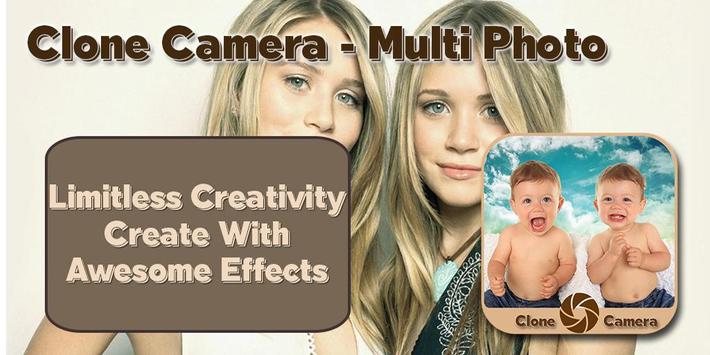


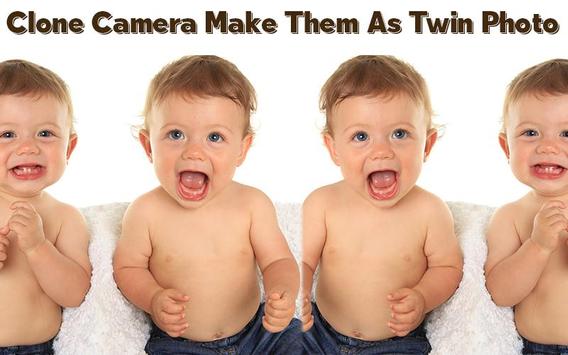
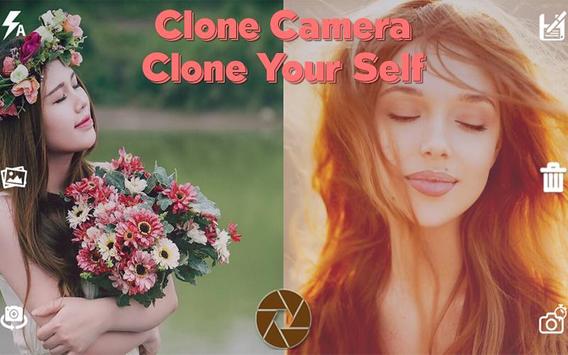

You can create realistic multi photograph with different types of effects and beautify your photos with Clone Camera.
Take realistic multi photograph with clone camera.
How to Use Clone Camera - Multi Photo application :-
- You can take photos from camera as well as gallery.
- Take any 2 new photos which you want to modify using Clone Camera.
- Application will automatically adjust all photos together in single photo.
- Clone Camera will automatically merge selected photos in one.
- If you want to customized your camera like flashlight settings, camera timer, front camera then easily here you can do this.
- Lots of customized effects like Brightness, Contrast, Saturation, Blur, Temperature, Shadows/Highlights, Sopia and many more.
- Share your clone photo with your friends and family on social networks.
It's easy to clone yourself, don't move the camera between the shots and take clone shots easily.

9Apps 4.9