
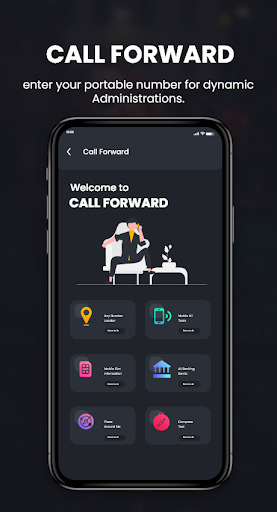
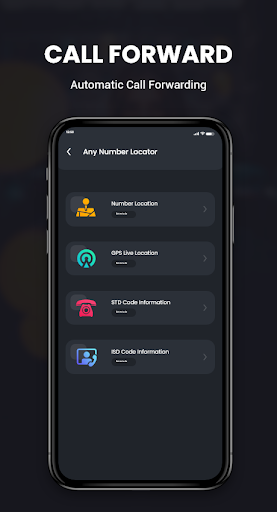
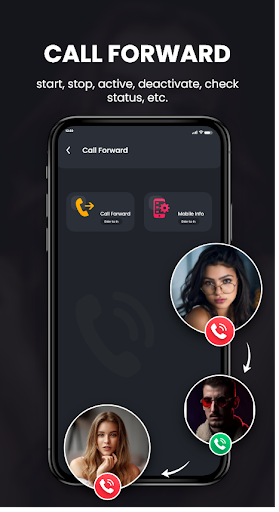
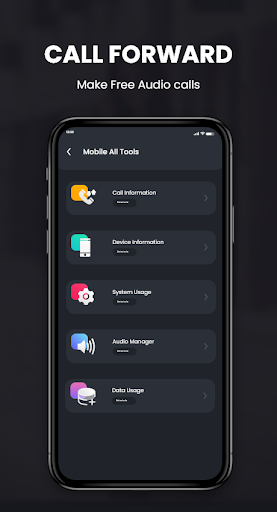
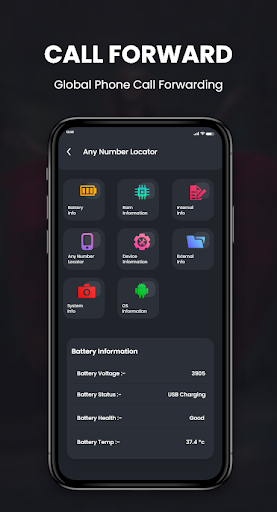
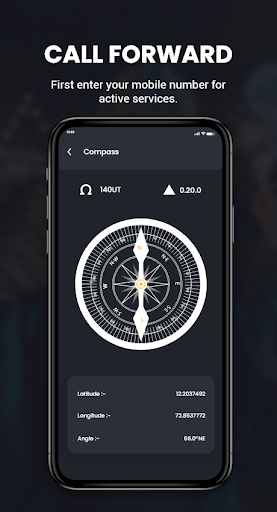
Call Forwarding - How To Call Forwarding App is exceptionally helpful to you for call sending to different numbers.
In this application, you Forward call effectively simply by adding a number and choosing it to advance your call.
Elements of Call Forwarding - How to Call Forwarding:
• First Enter Mobile Number to Whom you Redirect the bring in Active Service.
• Then press the set button and select your SIM to advance the call.
• And afterward find in your notice to begin your sending call.
• To shut down all Forwarding calls go to Stop Service and snap the Stop button to stop administration.
Saying thanks to you for utilizing this application, give us your criticism, rating, and Consider for Future updates.
Much obliged to you...

9Apps 4.9