
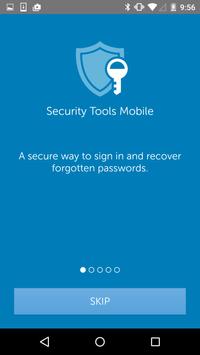
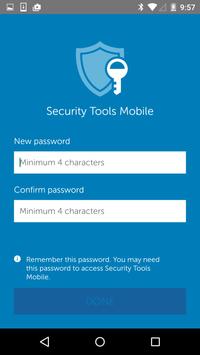
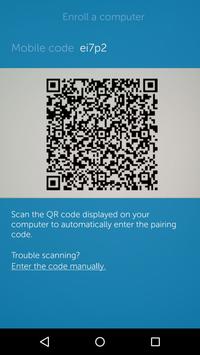
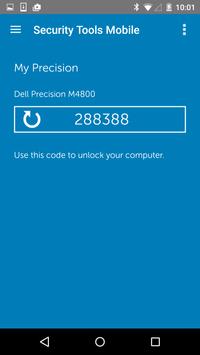
Dell Data Protection | Security Tools Mobile provides a secure way to reset a forgotten password on your Windows computer. Security Tools Mobile will enable you to generate a secure One-Time Password (OTP) on your mobile phone that can be used in place of the forgotten password on your PC. Simply enroll Security Tools Mobile with the Dell application (see system requirements below) on your PC. The enrolled device will then be able to create a secure one-time password that is protected by hardware security on the PC.
System requirements:
To use the Security Tools Mobile app for password recovery, you will need either of the following software titles installed on the PC:
1. Dell Data Protection | Security Tools (version 1.5 or higher) for Dell PCs,
2. Or, Dell Data Protection | Encryption (version 8.5 or higher) for Dell or non-Dell PCs
3. The computer must have a Trusted Platform Module (TPM 1.2) chip for encryption key storage.
For Android 5.0: After installing Dell Data Protection | Security Tools Mobile, you will not be able to disable the screen lock until the security credentials are cleared. To clear security credentials, go to Settings > Security > Clear credentials to reset your screen lock options.
Multiple user interface enhancements.



9Apps 4.9