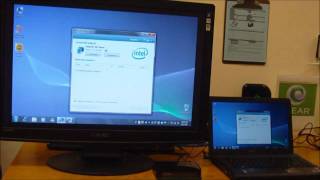
Using Wireless Display (Wifi),you can cast android mobile on miracast enabled TV and set up boxes.
Supports all most all devices ..
What is new HDCP issue patch -
Fix phone S3/S4/S5 (with HDCP) devices mirror to TV / dongle (without HDCP) black screen problem
Two independ HDCP patchs , to enable and re-start mirror
Mobile need ROOTED , but need NOT update ROM
Why use Wireless Display (Wifi)?
Some mobile vendors may disable Wifi Display for some reasons such performance issues , testing issues and/or other issues. Using this software would help, connect to your Smart TV wirelessly.
How to use Wireless Display (Wifi)?
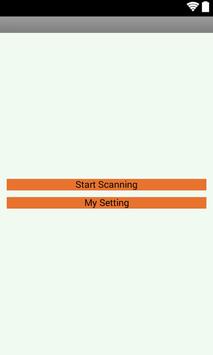
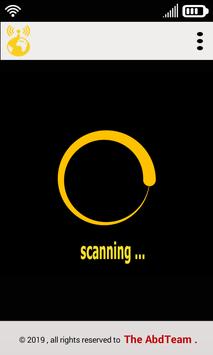
Simply open the application, and tap "Start WiFi Display" and then sync your device to the desired display which you want to mirror your screen.
Some notes -
Please check you mobile android version. As mentioned above it must be greater or equal than the Android version 4.2(JellyBeans) .
If you find a bug or have a problem using application, please contact us by email since we cannot help you if you post it in the reviews!
Please give us five stars if we helped you.
Reviewing will help us to maintain a list of supported device.
This application provides streaming service and relieves you of the burden of transferring files.
Basically you can play videos, music and photos in real time with the devices connected to your smartphone and other files are downloaded from the devices connected your smartphone.

9Apps 4.9