
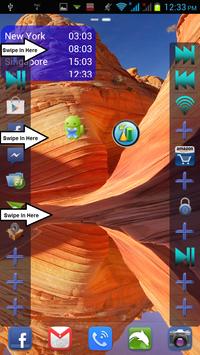
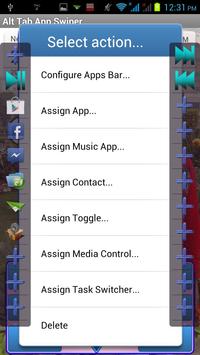
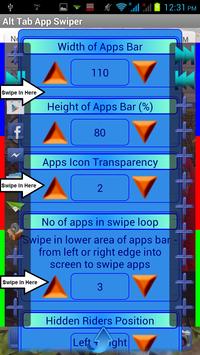
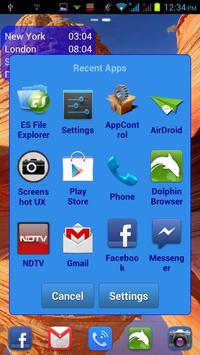
This app provides 3 essential and fantastic features by swiping into screen edge from Left and Right side of the device.
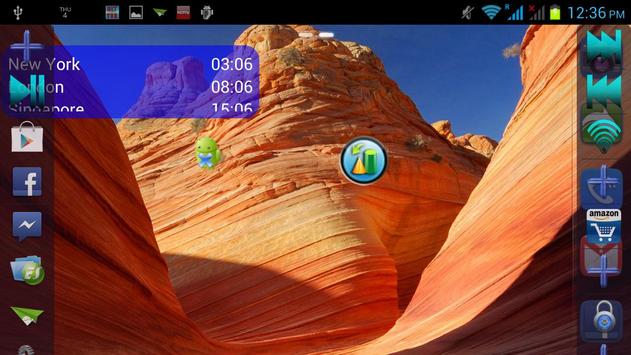
1. Swipe in Upper Part of screen (Blue area) - Shows up Apps Bars on Left and Right side of the screen to access apps, toggles, media controls, music player on the go
2. Swipe in Middle Part of screen (Red area) - Switches between running apps in ultra fast way
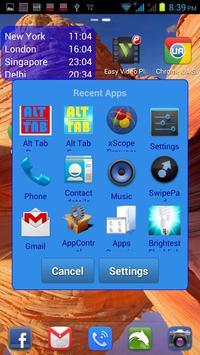
3. Swipe in Lower Part of screen (Green area) - Displays running apps (Recent Apps dialog) in ultra easy way, no more holding Home button
Double click on any app icon to switch to Car Home Mode - static view of 3 3 apps on Left and Right side for easy access during Navigation.
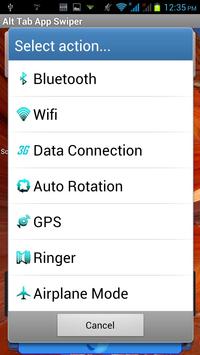
Long click or swipe on on any app icons to see all options.
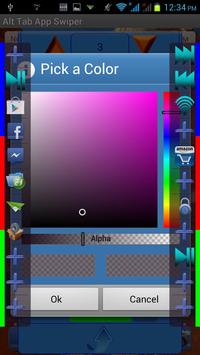
Bars width, height, transparency etc can be configured as needed.
Trial version expires in 7 days and some features are disabled then.
Now, App Icons can be assigned a custom App Drawer function.
App chooser and App drawer are now a grid rather than list.
Long Click on any app in App chooser or App drawer to uninstall the app.


![How To Bring Back The Android Back Button [Back Button Missing] screenshot 4](https://i.ytimg.com/vi/XMl0AKeHIZ0/mqdefault.jpg)


9Apps 4.9