
1. Điện thoại Android của bạn nên có phiên bản Android Lollipop tối thiểu.
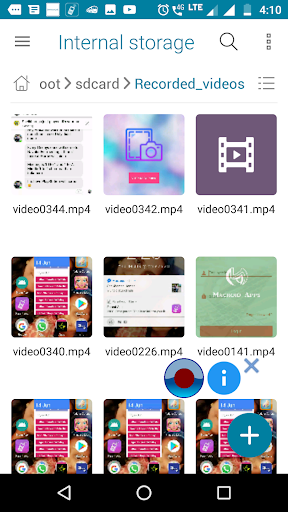
2.Nếu bạn không thể tìm thấy video đã ghi của mình trong bộ sưu tập, hãy mở thư mục / sdcard / record_video trong ứng dụng Trình quản lý tệp.
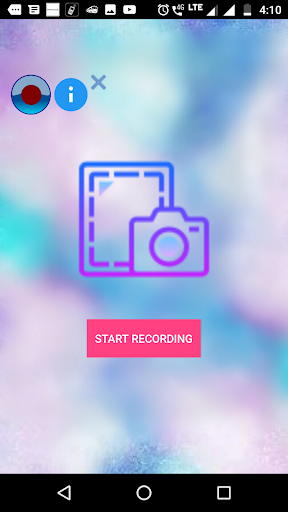
3.Nhấn nút "Home" sau khi nhấp vào nút Bắt đầu ghi âm.
4.Nếu bạn không thể xem video trong thư mục được đề cập, vui lòng khởi động lại điện thoại. "
Screen Recorder lite is the application used to record the activities in your phone. This app consumes very less memory in your device.
1.Your android phone should have minimum of Android Lollipop version.
2.If you can't find your recorded video in the gallery, open the /sdcard/Recorded_videos folder in File manager app.
3.Press "Home" button after clicking "START RECORDING" button.
4. If you are unable to see the video in the mentioned folder please restart the phone.




9Apps 4.9