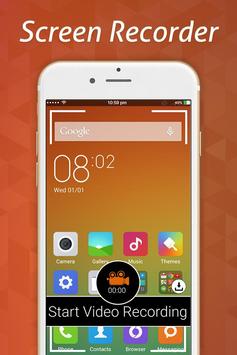
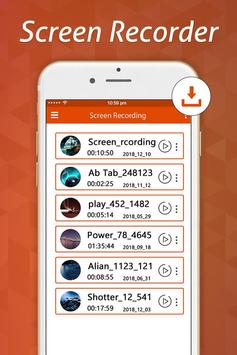
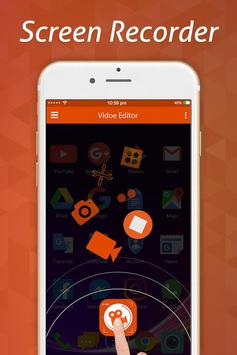
Screen Recorder is the best app to record the screen of your Phone. It does NOT require root access, no time limit, no watermark, ad free and very easy to use with one action to start and stop recording.
This screen recording app will let you make beautiful screencast videos by providing every feature that you need in a simple and elegant user experience design.
Screen recorder lets you record your screen to HD and Full HD videos and it is the only screencast app in the Android market that can be paused and resumed while recording.
Screen Recorder is a free easy to use screen recording app to record and capture your mobile screen in video formats with or without front camera. With front camera enabled you can record video of mobile screen alongside your own video.
Screen Recorder is a free unlimited screen capture app for recording your device's screen to video. Create promotional videos, make tutorials or record help videos complete with audio!
Key Features:
★ Screen Recording
With stable and fluid screen recording, you can easily record popular mobile game videos, video calls with family and friends. Also popular programs on live apps!
Many resolutions, frame rates, and bit rates available; support for HD video
Pause/resume screen recording
Enable front camera (facecam)
Record external sound
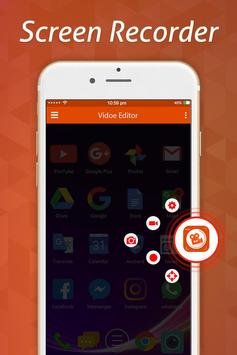
Control screen recording through floating window or notification bar; hide floating window for frameless video
Display click operations in the screen recording
Shake the device to stop recording screen
Alternative storage location: Internal storage / SD card
Brush: Touch screen to draw
Using a Wi-Fi-connected computer, download videos and screenshots to your computer
GIF maker: A GIF recorder helps you record screen as GIF
Live creator: Livestream your screen to YouTube, Facebook and Twitch with DU Recorder
★ Video Editor
Screen Recorder provides several amazing features to help you create better videos. You can easily make the following video editing operations with the screen recorder :
Trim video / Remove the middle part of video
Merge videos: Combine multiple videos into one
Add background music to video
Adjust the volume of video
Add subtitles to video
Add intro and outro to video
Add background picture to vertical video
Change speed of video
Rotate video
Crop video
Convert video to GIF
★ Live Video Recoding
=> Broadcast resolution settings, stream with high-quality
=>
Livestream privacy level settings
=>
Real-time audience comments
=> You can use the front camera when livestreaming
=> Live tools: Enjoy many YouTube live tools for better livestreaming: donations, subscription and donation goals, message robot……
★ Screenshots and Image Editing
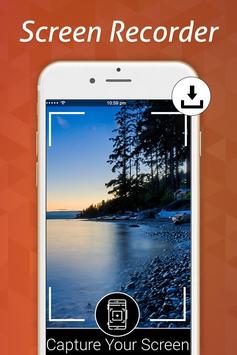
Screen Recorder is not only a screen recorder, video editor, but also an app to capture screenshots. With GO Recorder, you can take a screenshot with just one hand. No more double-press and hold. Quick and easy!
=> Use notification bar or floating window to take a one-click screenshot.
=> Stitch Images: Smartly combine several images into one.
=> Blur Image: Pixelate the image to cover areas you do not want to show.
=> Crop Image: Keep only the part of the image you want.
★ Play and Share Videos
=> Play the recorded video clips from the floating window or the notification bar.
=> Share ur video clips with your friends on social networking sites/apps.
Download the best screen recorder now and create your first, amazing video!
We appreciate your feedback!
The best video recorder recommended for u!



9Apps 4.9