
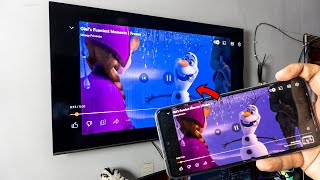
Media- streaming and mirroring - allows streaming your phone media content such as video, images, audio files on the Smart TV.
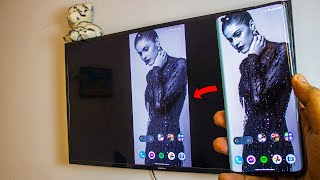
This App will provide to share your phone screen on smart TV and view your phone derived data etc accordingly.
For Miracast - based devices need to connect within the same Wi-Fi network.
Screen mirroring app will assist to scan and mirror your phone or tablet screen on Smart TV.
This application will support above the 4.2 android phones.
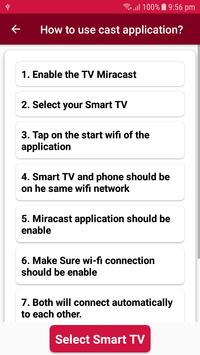
How to use this application? Or User Help.
1.
Enable the TV Miracast.
2.
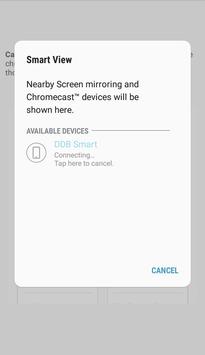
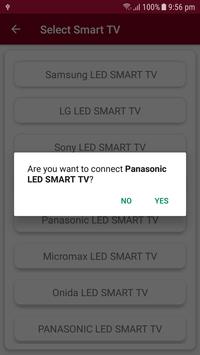
Select your Smart TV.
3.
Tap on the Start WIFI of the application.
4.
TV and Phone Should be on Same wi-fi network.
5.
Miracast application should be enabling.
6.
Make Sure WIFI connection should be enabling.
7.
Both will connect automatically to each other then you can enjoy the Miracast mirroring with DLNA devices.
• Share features.
• New Graphics updated.




9Apps 4.9