
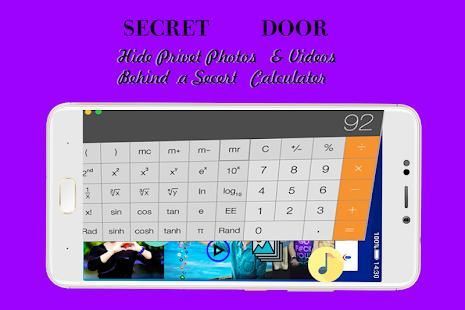
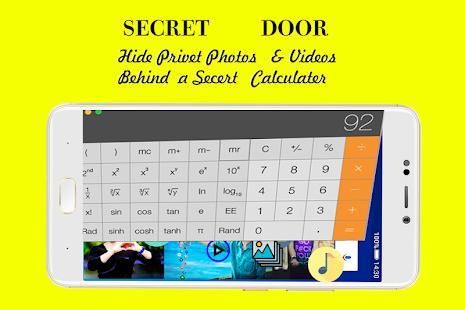
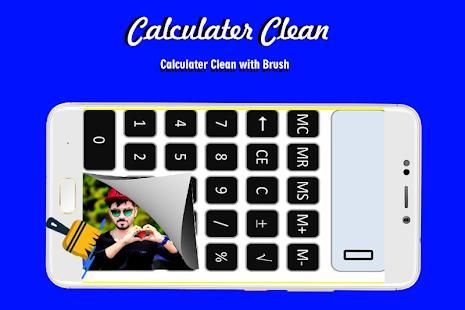
Have you ever read one of those reviews about a app? 20,000+ users downloaded Photo,Video , App Locker-Calculator latest version on 9Apps for free every week! It has been a popular app for a long time. This hot app was released on 2018-08-03. It is a very popular app on India now.
Advantages of Calculator hide photo Vault hidden applications:
-Notice bar information tips, only show the standard Calculator hide photo’s icon
-Check phone system settings, the application name is Calculator hide photo+ (not app hider)
-When Checking recent apps, the app name is Calculator hide photo Vault(not app hider)
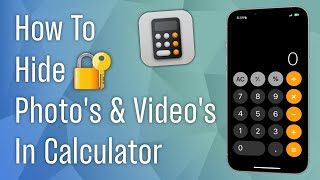
Calculator hide photo Vault can help you to hide any app. And keep your privacy by hiding apps.You can open hidden apps in Calculator hide photo Vault or interface of your phone.Also Calculator hide photo Vault provides hidden picture function, your pictures import into the gallery, others can not see these photos.You can browse protected pictures in hider's gallery.
App Characteristics:
1.Hide all installed applications
2.Password protection(When the first time,need to create the password)
3.Supports hiding any applications used on mobile phones(Easy way hide apps)
4.Hidden app can be used in the Calculator hide photo Vault, also use the main interface in the phone.
5.Open the app just standard Calculator hide photo , if don't know password can't use the Calculator hide photo Vault.
6.Hide Notifications ,provide notification in 3 mode all / just number / none
7.Hide apps from recents
8.Gallery Module to hide photos /pictures(Protect your secret photos/pictures,avoid others find them)
9.Add shortcut to hiden camera(use the hider's built-in camera to take private photos)
10.Hide Videos and play Videos
How to use Calculator hide photo Vault?
The first time to start or in a protected state, do not need pin can enter the Calculator hide photo Vault.Open the application to set the password. Then you can start using the hidden app.
How to hide photos to Calculator hide photo Vault?
Click the app hider interface gallery icon use the ‘Gallery Module’, add ‘input folder name’ to create folder and select pictures or personal photos, then click the save button to import the picture into the created private file.
How to add app to Calculator hide photo Vault?
In the hidden display interface click add app button, you can see the phone within the application, select the app to add to the Calculator hide photo Vault-App Hider, click the import apps button.
How to delete apps from Calculator hide photo Vault?
In the hidden apps interface long press the hidden app, drag the application to the delete icon to delete the hidden application.
How to hide photos or videos to hidder?
Click the app hider interface gallery icon use the ‘Gallery Module’, add ‘input folder name’ to create folder and select pictures or personal photos, then click the save button to import the picture into the created private file.
Notices:
Such as uninstall outside the application has been hidden and the Calculator hide photo Vault will not copy the app's original data to the same app in the Calculator hide photo Vault.
Bug Fixed!




9Apps 4.9