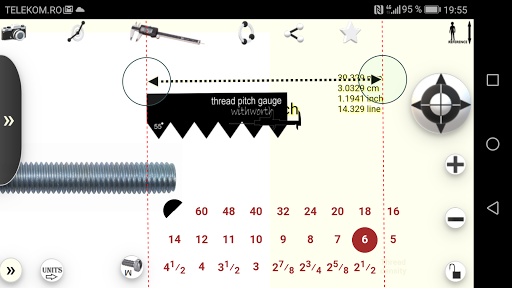
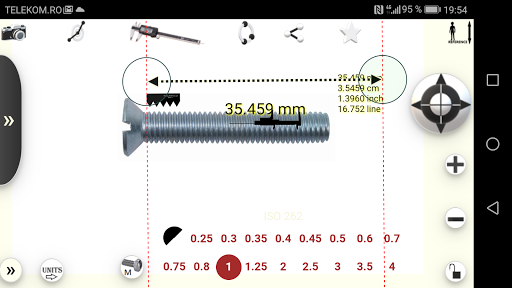
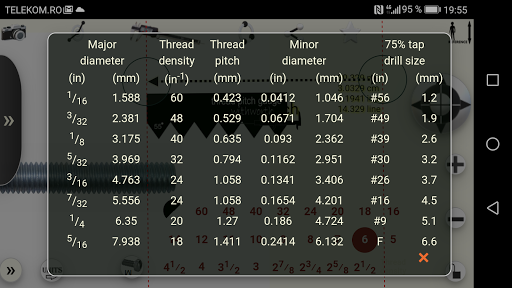
1. Inserts / captures the image
2. Press / - to zoom in / out
3. Drag the image to fit the measurement area on the phone screen
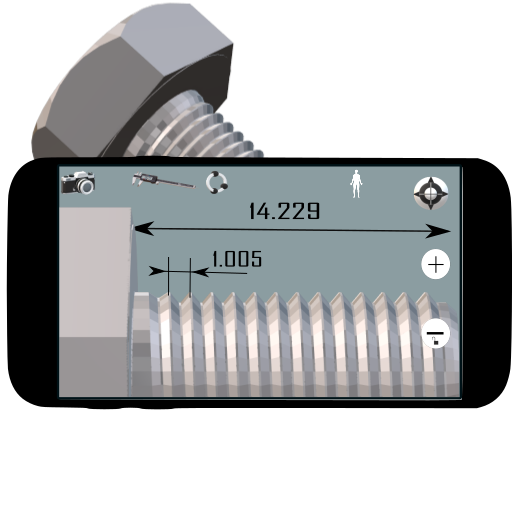
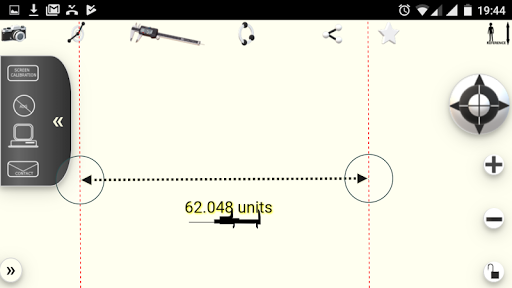
4. Press the caliper to make the measuring tool active.
5. Align the measuring instrument with the reference object
6. Press the top right button to enter the length of the reference object.
7. Now you can zoom in / out and make any measurements you want.
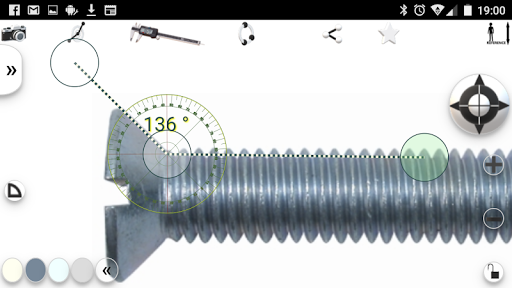
8.Change the instrument with the protractor to measure angles
9. capture the screen image (with dedicated phone software) to save the measurements
Api level 28. Replacing some libraries


9Apps 4.9