




Savior - an initiative to save your time and efforts.
Steps:
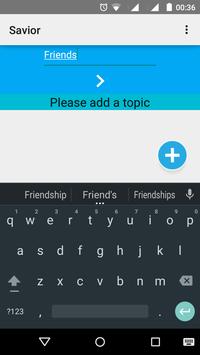
1. Click on plus button at the bottom to add a topic.
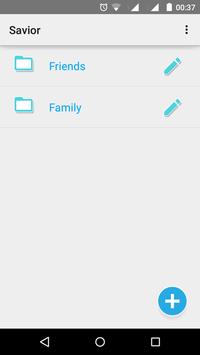
2. Click on a specified topic to add subtopic.
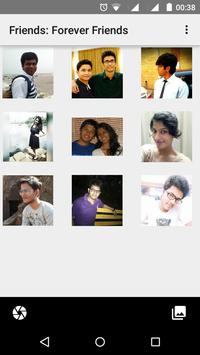
3. Click on a specified sub-topic to add images.
4. Click on camera button to add images under the sub-topic.
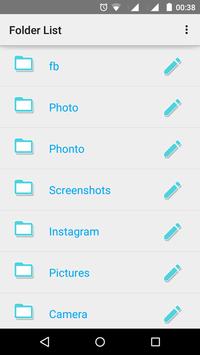
5. Click on gallery button to access folders with images.
6. Click on share button to share multiple images.
Click on pencil icon for rename and delete options.
Long Click on Images to select multiple images.
Long Click on Images inside the folders to view cut, copy, share, delete buttons.
Images can be sorted as newest first or oldest first.
Images stored in phone memory can be moved and copied.
Images can be added to existing folders.
All the images that you click will be organized under the subtopic inside a topic.
This way Savior saves your time and effort needed to manually organize images.
Delete App data deletes Savior folder and all of its content, please ensure you have copied Savior folder somewhere before this.
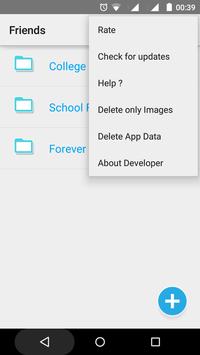
Delete Only Images Option to help you delete the images preserving the hierarchy that has been created for topics and their subtopics.
Improved Material Design User Interface.
Sorting Options for Images.
Options to delete(only images) or rename phone memory folders
Delete Only Images Option to help you delete the images preserving the hierarchy that has been created for topics and their subtopics.
New and improved Help Option




9Apps 4.9














