

Discover apps for Android here, 10,000+ users downloaded Mobile Control File Manager latest version on 9Apps for free every week! A lot of functions and features are contained in this app. This hot app was released on 2013-04-19. You can enjoy the most completed function of this app.
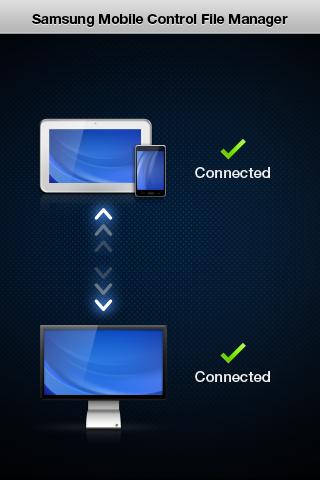
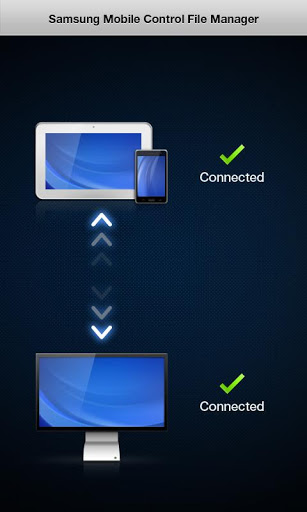
This application is for Samsung Smart Station monitor users.Samsung Smart Station Mobile Control File ManagerConnect your mobile device to the Samsung Smart Station monitor, then run the application quot;Mobile Control File Manager.quot;The program quot;Mobile Control File Manager,quot; will pop up on the Smart Station monitor screen to show the list of files saved on your mobile device.With this Mobile Control File Manager, you can simply drag and drop files between a mobile device and a PC. Doubleclick a content file in the Mobile Control File Manager. The same content file in your mobile device will play on the Smart Station monitor screen.Certain file formats may not be supported. It may take some time to load a file depending on the file size.Samsung Smart Station Mobile ControlControl your mobile device with a keyboard and a mouse thru the advanced Mobile Control functionDoes your mobile device never stop buzzing with incoming instant messages on messenger? Do you ever have trouble to write messages using the tiny touch keypad on your mobile device? Are your messages full of typos when chatting with friends? Connect your mobile device to the Smart Station monitor. You will be able to control your mobile device with the keyboard and mouse connected to the monitor. Have fun chatting and messaging quickly thru Smart Station What else? The Mobile Control feature allows you to control a desktop PC and a notebook PC with one pair of a keyboard and a mouse. You can use a desktop PC and a notebook PC at the same timeAmazing Features of Samsung Smart StationMobile ControlControl your mobile device using the keyboard and mouse connected to your PC.Mobile Control File ManagerTransfer files between PCs or between your mobile device and a PC with a simple Drag amp; Drop.Wireless connection between a monitor and a PCConnect the Smart Station monitor to a PC wirelessly.You no longer need a cable to connect your monitor to a PC. For the Smart Station Series 7 onlyUSB HubConnect other peripheral devices not to your PC, but to the USB ports on the Smart Station monitor.This will bring a neat desk environment with an increased mobility of a notebook PC.Wide Viewing Angle DisplayThe wide viewing angle display provides a consistent vivid picture quality from every angle.MHLDuplicate your mobile device screen on the Smart Station monitor.You can enjoy your content on a larger screen nowIntegrated SpeakersThru the integrated speakers, enrich your ears with a more vivid sound experience when listening to playing content.For the Smart Station Series 7 onlyUSB display amp; USB 3.0USB Super ChargingCharge your mobile device twice the speed of a regular USB port.




9Apps 4.9














