

The Grantha script was designed for writing sacred texts in the Sanskrit language.
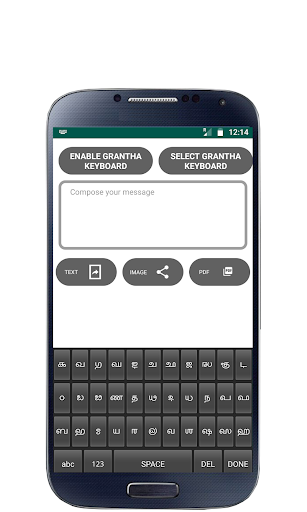
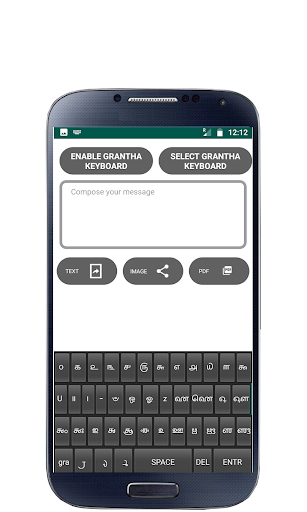
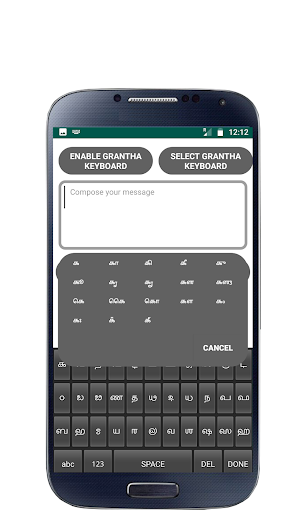
Grantha app is a touch-screen keyboard for inputting text in Grantha.Grantha app uses a logically ordered design based on the structure of Grantha script.
How to Enable Grantha Keyboard on your Mobile
Android Version 2.0 and above
Settings - Locale and Text - Select Grantha Keyboard.
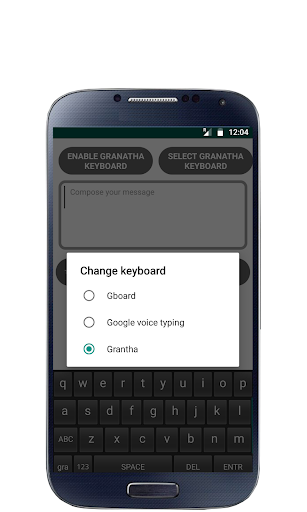
Long press in a text box and select input method and then select Grantha Keyboard.
Android Version 3.0 and above
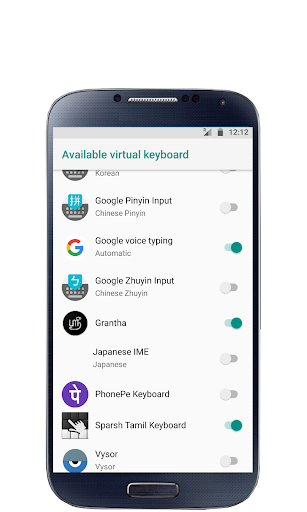
Settings - Language and input - Configure input methods - Enable Grantha Keyboard - Go Back - Current input method - Select Grantha Keyboard
Android Version 4.0 and above
Settings - Language and input - Enable Grantha Keyboard - Select Default - Select Grantha Keyboard
Other Steps to ensure working of Grantha :-
After installation, you can verify the Grantha Installation, Open “Settings” and go to “Language and Keyboard” - you can see the Grantha Keyboard on listing.
To Make Input method as Grantha Keyboard. Theoretically, you can use with any textbox ( SMS, Search or wherever the textinput requires), You can find a keyboard icon at top left of title bar, please click on that.
Choose an input method such as "Grantha Keyboard." Your Android Mobile will now use this method.
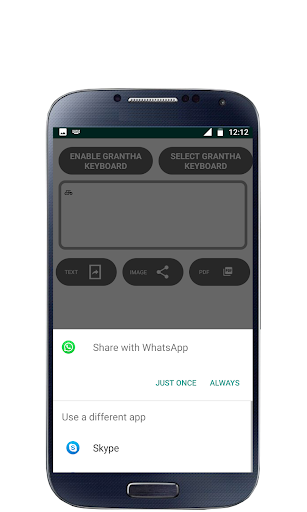
New Features Text color and TextBackgroud was Implement



![Lalita Sahasranamam - Slow, Clear chant of each name, with Meaning - [No Mid-Chant Ads] screenshot 5](https://i.ytimg.com/vi/ul3xLmnSp1s/mqdefault.jpg)

9Apps 4.9














