
Best Kine Master Video Editing Pro Guide 2020 Introduction of Kine Master Video Editing.
APPLICATION FEATURES:
1. How to edit video in Kinemaster
2. How to crop a video in Kinemaster
3. How to use the transition function in Kinemaster
4. How to make a voiceover in Kinemaster
5. How to add text to a Kinemaster video
6. How to add music to your videos in Kinemaster
7. How to download Kinemaster Pro in Kinemaster
ATTENTION:
This application is a guide for video editors
NOTE:
This is an unofficial guide for video editing kinemaster video editor
Best features Kine Master Video Editor :
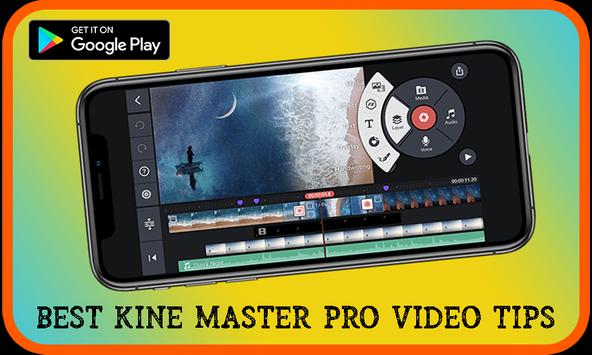
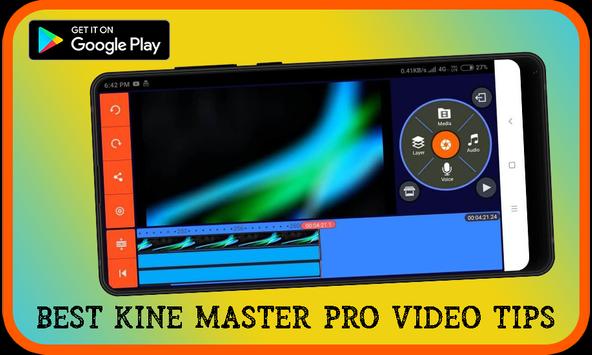
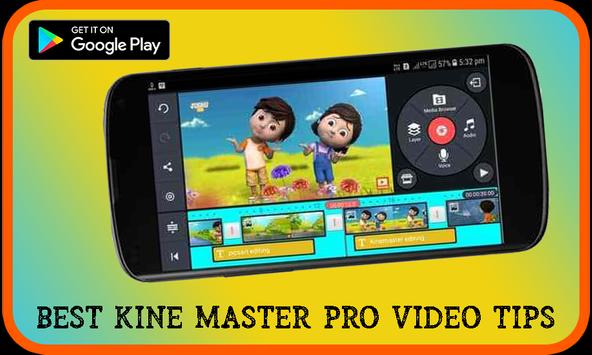
* Several layers of videos, images, stickers, special effects, text, and handwriting
* Combining modes to create surprising and beautiful effects
* Various aspect ratios supported
* Export 4K 2160p videos at 30FPS
* Share on YouTube, Facebook, Dropbox and more
* And more features, options and settings.
* Add voiceover, background music, and sound effects
* Editing tool to cut, separate and cut your videos
* Animated key frame tool for adding movement to video layers
* The Asset Store provides music, video clips, fonts, stickers, transitions and more to enhance your videos, always updated every week
* Speed control for time intervals and slow motion effects
* automatic volume, ducking, and automatic volume envelopes for immersive audio
For any queries, please contact us via email.
Add more content





9Apps 4.9














