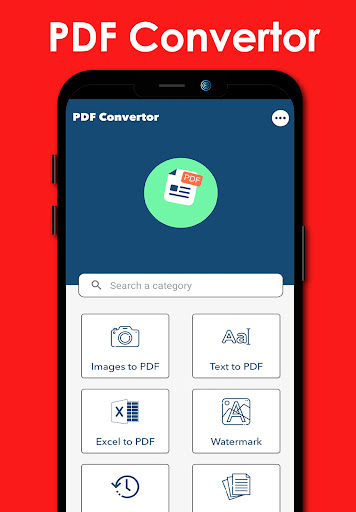
PDF Converter: Multiple File Type to Convert in Image To PDF: PDF Converter like Image to PDF Converter, Word To PDF, Doc To PDF, Text To PDF, Excel to PDF Converter
Convert image to PDF (Image File type : JPG to PDF, JPEG to PDF & PNG to PDF)
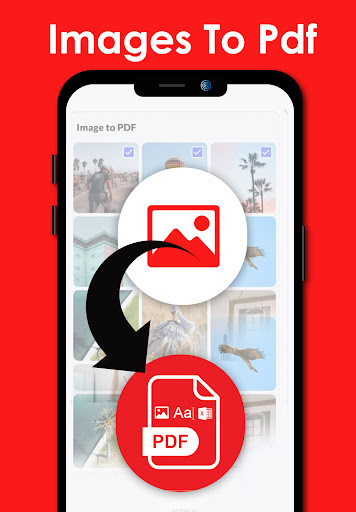
Want to convert picture to pdf? Easy to Convert Image to PDF using Image To PDF: PDF Conveter App. The powerful features make this app an ultimate pdf creator for your device to convert jpg to pdf. You can convert jpg to pdf from gallery or take photos with the camera, and then convert photo to pdf. It's quite easy, right? Have a try!
PDF editor
It can not only convert picture to pdf. We're working hard to make this app PDF MAKER All In One PDF Conveter App.This App convert photo to pdf, Word to pdf but also a pdf maker with more features of pdf editor and Pdf Creator.
Convert Word to PDF(File Format : txt to PDF, doc to PDF, xml to PDF): This PDF converter is your go-to solution to convert Word to PDF. Convert Microsoft Word documents to the popular and practical PDF format. Convert DOC to PDF or DOCX to PDF or txt to PDF. Whether you need to change a Word document into a PDF or other format, our PDF converter is the best choice to convert your files. Our PDF converter converts your Word docs to PDF fast, keeping all your formatting, tables, images, and text intact to look exactly like they did in Word.
PDF Conveter Features:
►Resize images / Edit Image
Resize, crop, doodle, and rotate the images as you like. Optimise images for better PDF output.
►Auto sorting / Rearrange Image
Automatically sort images and PDF files by name, size, created date, modified date, etc. Of course, you can sort manually if you want.
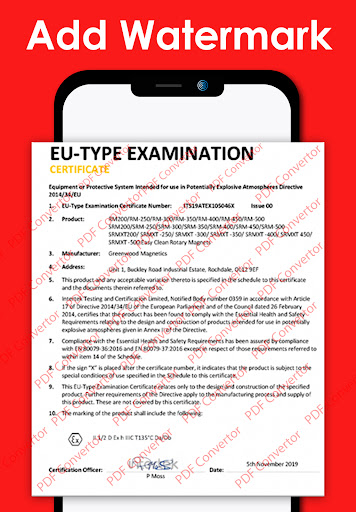
►Add Water Mark
ADD Your Personal Water mark select Water mark Option and Write your Content in This Option and select Some customise Option Like Angel, Font Color , Font size Etc..
►Compress PDF files
Support to reduce PDF size through compression. Set the image quality - low, medium, high, and original as needed.
►Set password
You can set passwords to protect your PDF files, and encrypt confidential files to be shared to prevent others from peeking at them on an only Image to PDF Converter.
►Work offline
No need to send data to the cloud, easily convert your images to PDF offline.
►Share converted PDF files
Easily send and share converted PDF files via social media, Bluetooth, Email, quick share, etc.
►Font Colour and Font Size Change in PDF File
Easily Change Font Colour select font colour option choose your Favourite colour. check your Converted PDF. Costumes Font Size Available
PDF creator ( with Advance Features):
Convert image to pdf easily and safely! You can use a password to protect pdf with this pdf creator (also can be regarded as a pdf editor). With a user-friendly interface design, this free pdf converter app makes it easy for you to convert photo to pdf. You can merge multiple pictures to a single pdf file and share it as you like.
Customise Your PDF Before Pdf Create
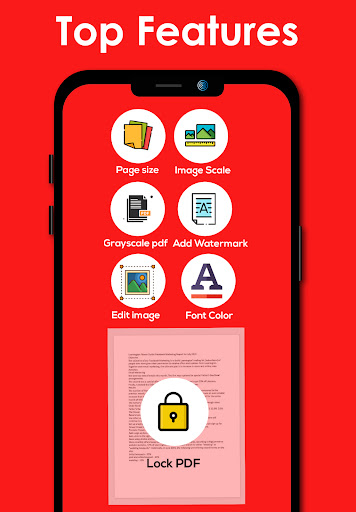
* Lock PDF (Password Protected image to PDF)
* Page Size (Set Your PDF Page size (Ex: A2, A3, A4 or Etc))
* Image Scale (Work on Image to PDF)
* Grayscale PDF
* Add WaterMark
* Edit Image
* Font Color
* Boder Width
* Page Color(Set Your PDF Page Color)
* Rearrange Image (Set Image Number Customise)
* Font Size and Font Family (Set PDF Font Size and Set Your Font Style)
* Image Compression
* Margins
Image To PDF: PDF Converter in this App All In One Converter App(Image to PDF, Word To PDF, TXT to PDF, Doc To PDF) But Image To PDF Converter is mostly Used By User So This App Name is Image to Pdf Converter.

9Apps 4.9