install
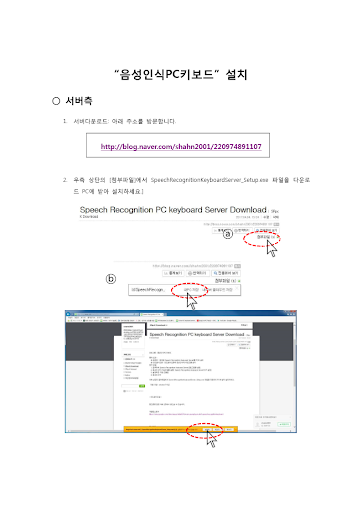
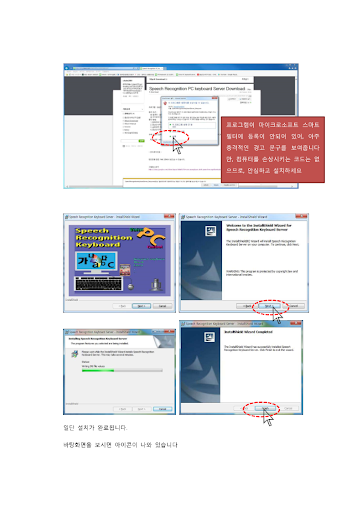
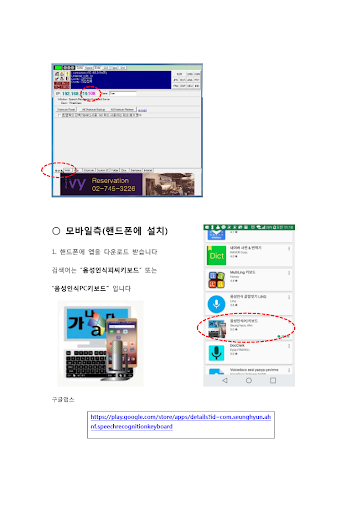
1. Download the server from the address below and install it on your PC.
http://blog.naver.com/shahn2001/220974891107
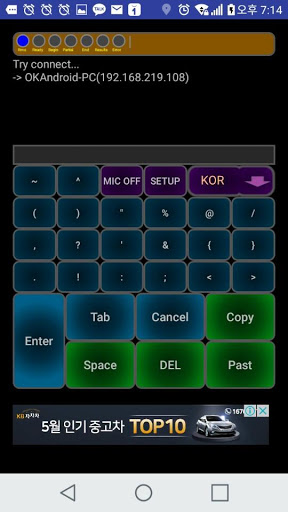
2. Install the app on your Android phone.
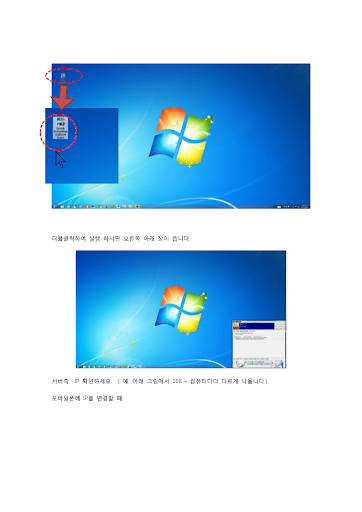
3. Run the downloaded server.
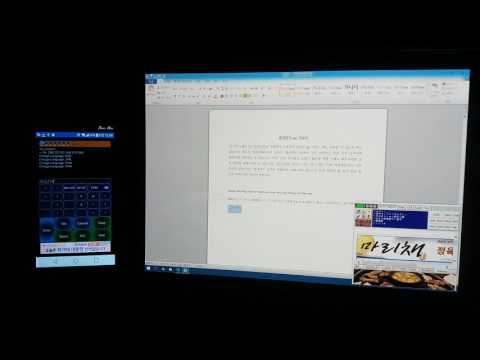
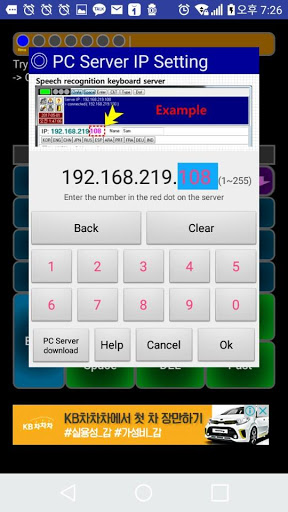
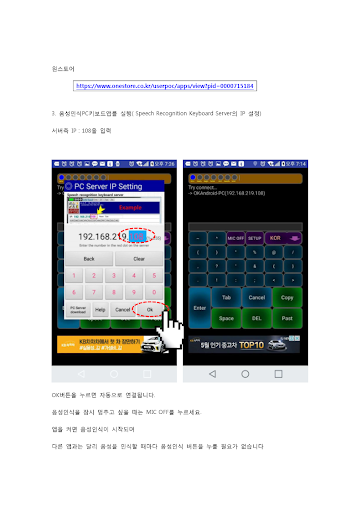
4. Run the app and set the IP of the server to connect automatically.
5. Operate the PC by voice.
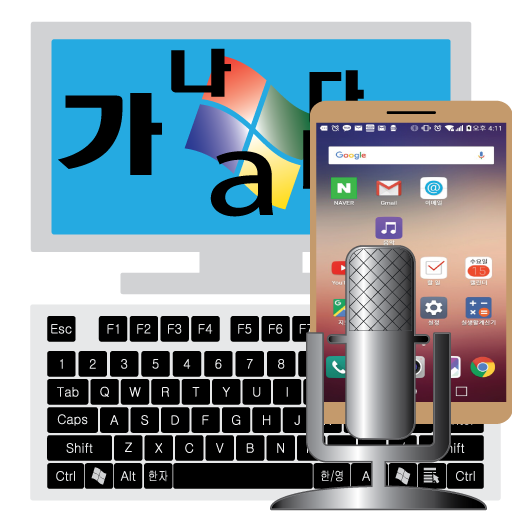
Internet, Word, Excel, etc. All the commands of the computer program are registered in the server and the PC is operated through the registered commands.







9Apps 4.9