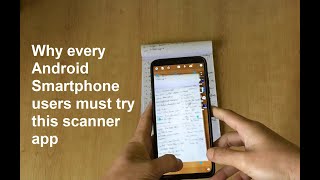

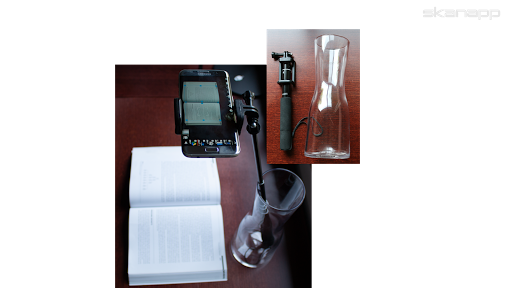
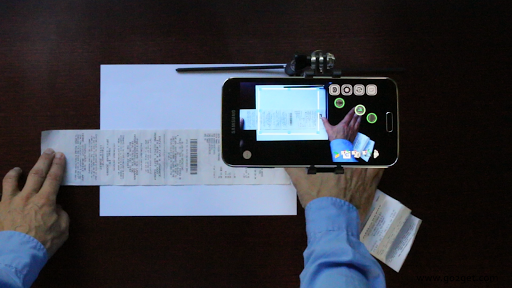
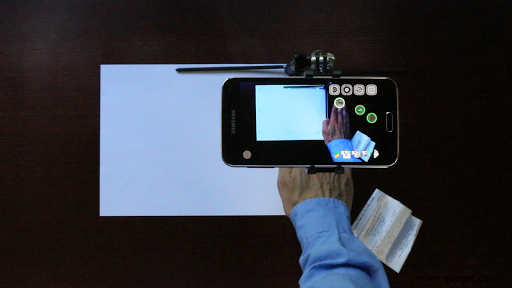
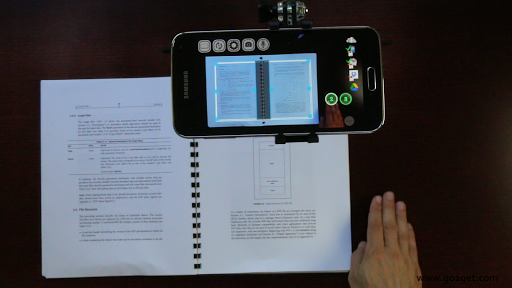
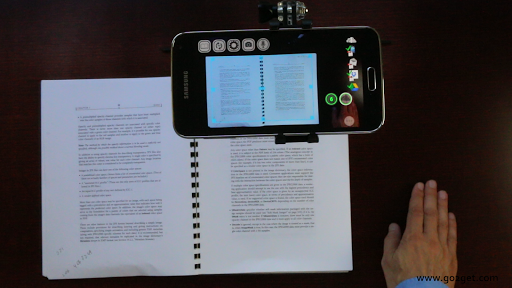
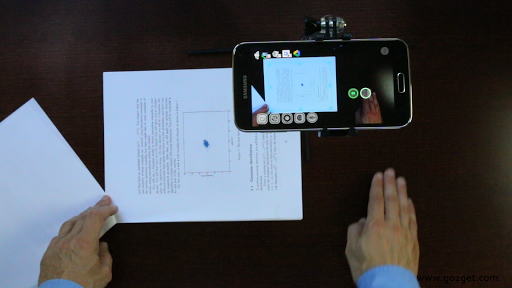
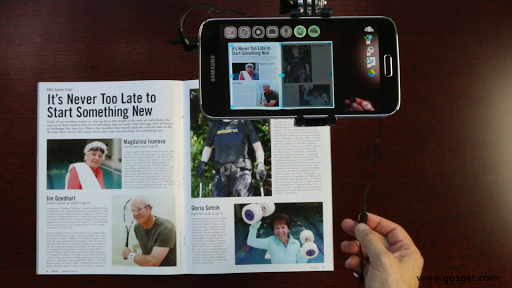
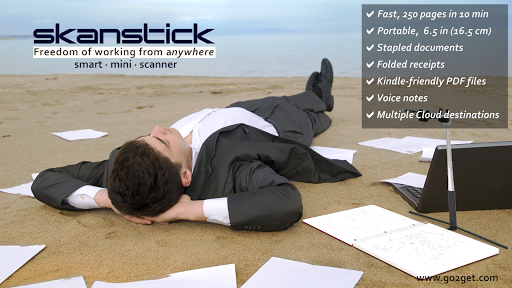
Place your smartphone in the Skanstick, available on Amazon and www.go2get.com, and enjoy the benefits of scanning naturally, in place.
Having both hands free, enhanced by Augmented Reality buttons, lets you hold and scan stapled documents, folded receipts, books and magazines and even add voice remarks without touching the phone.
With the app's incredible speed of 250 pages in 10 minutes¹, you can declutter your office by scanning all those documents in big three-ring binders and piles of folded receipts quickly and easily.
OCR (100 languages) is done on the phone, Internet is not required.
The ability to create your own PDF Keywords in any language regardless of the languages used in the document, makes it easy to organize and find documents later.
SkanApp's Email service will automatically split large PDF files or groups of JPEG images into several emails with valid attachment sizes.
When used in a hand-held mode, especially outside on a sunny day when on-screen buttons are difficult to see, the SkanApp offers a convenient option to use physical, tactile buttons of your smartphone. Press the Volume Down button to turn on/off the voice notes recording.
And use a single and double press on the Volume Up button to take pictures and blast them into the Cloud as JPEG or multipage PDF files.
The Augmented Reality Capture and Cloud buttons can also be activated remotely by any Bluetooth selfie stick, Bluetooth remote shutters and any headphones or audio cables (i.e. Cellet's Hands-Free Audio Cable, UPC 800768507113) with a Media button.
¹ Once scanning is finished, the app can be suspended/paused (Home button), and the long running tasks, such as OCR, will be completed by its background process.
Watch Getting Started video on https://go2get.wistia.com/medias/ipd4gl9nb5
· Added filter to whiten background for color images with text.
· Added filter to set White Balance on existing images in Preview.
· Ability to include color images in B/W PDF files, that are usually 10x-30x smaller than color PDF files.
· Bug fixes








9Apps 4.9