

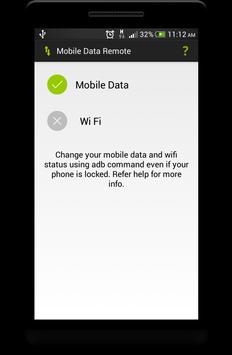
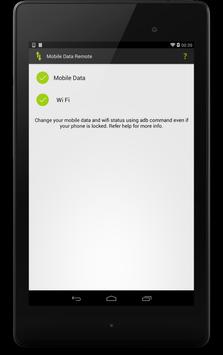
Change you mobile data/ wifi using adb command in case your device is locked like too many pattern attempts.
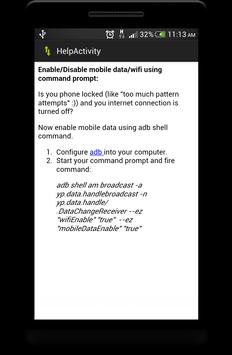
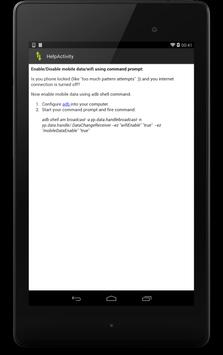
Now enable mobile data using adb shell command.
Configure adb into your computer.
Start your command prompt and fire command:
adb shell am broadcast -a yp.data.handlebroadcast -n yp.data.handle/.DataChangeReceiver --ez "wifiEnable" "true"
--ez "mobileDataEnable" "true"
For more information check out my blog: http://techitortakeit.blogspot.in/






9Apps 4.9












