webxl spreadsheet icon

webxl spreadsheet

1.7 for Android
3.9 | 100,000+ Installs | Reviews

M K SUGUMARAN

Description of webxl spreadsheet

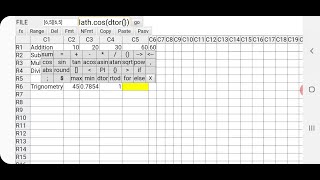
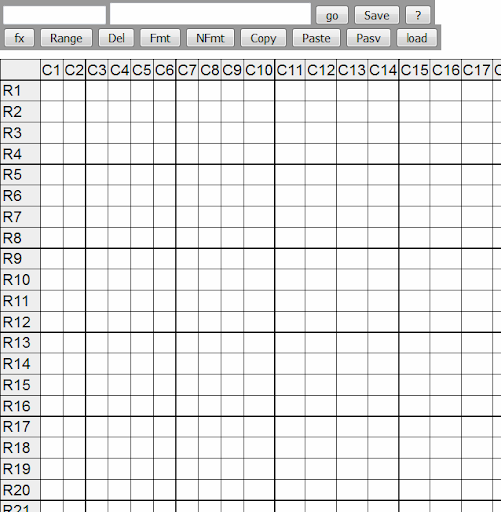
This spread sheet application is fully developed in html and javascript and then converted into Android app using Android Studio. The spread sheet contents are saved in simple text format in notepad and loaded from the contents of notepad.The details of source file can be seen in the following link https://mksugumaran.blogspot.com/2014/03/webxl-webbased-spreadsheet.html
To learn to use see this youtube video
https://www.youtube.com/watch?v=9K0VQ86kpXI

What's New with webxl spreadsheet 1.7

To learn to use see this youtube video https://www.youtube.com/watch?v=9K0VQ86kpXI
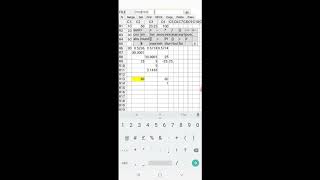
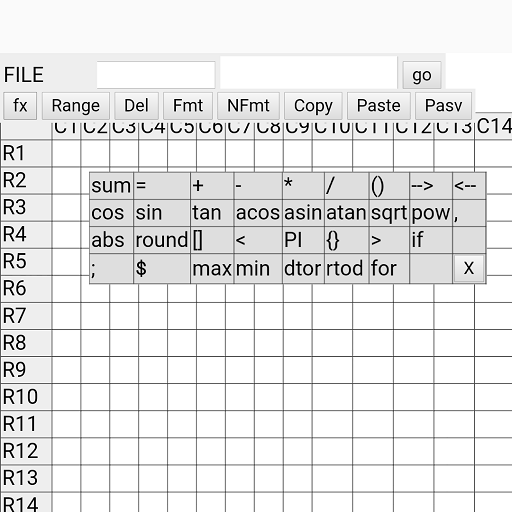
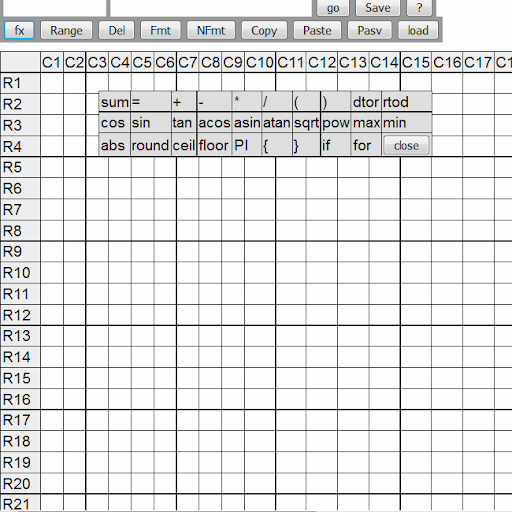
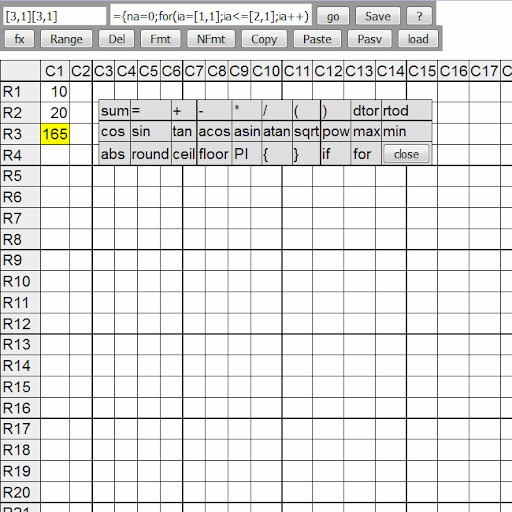
The user interface with formulae toolbar fx is improved. The contents of file saved can be viewed by Save as in FILE menu and copied and saved in notepad apps and can be reloaded from Open as in FILE menu and pasting the contents of file. Using Print from FILE menu the portion for printing may be scrolled and take screen shots.

Information

  • Category:
    Education
  • Latest Version:
    1.7
  • Updated:
    2020-11-11
  • File size:
    1.3MB
  • Requirements:
    Android 4.4 or later
  • Developer:
    M K SUGUMARAN
  • ID:
    com.sugumaran.webxl
  • Available on:
Reviews
  • avatar
    Could not even open an existing sheet.
    2020-05-02 09:02
  • avatar
    It's a good spreadsheet app.But after saving I tried a hundred time to load my saved files. But I can't load my saved files.Also the option bar does nothing.
    2020-04-12 07:13
  • avatar
    Change its portrait mood. Very bad system
    2020-01-08 08:01
  • avatar
    Well, It was working great until I went to load a saved file, I fully Know how to do it by saving the file then clicking load and then the tab "comes" down and you click which one you want to load. The thing I am having with it is it wont load the Actual File. I just stare at the empty file you get when you load the app...Also If i try to close the app out and then attempt to "Choose" a file for it to open the second I click on the file button it takes me to empty spreadsheet, I do not know if I Have to make it in to landscape Just to Open a already Saved File Or Not also Settings Still does nothing. I hope my review was helpful and Hope I can get some help with this..
    2019-10-03 08:49
  • avatar
    chandandas
    2019-02-03 11:51
  • avatar
    sir PDF ko dwonlowd kaise kare please bataye sir
    2018-07-12 08:33