

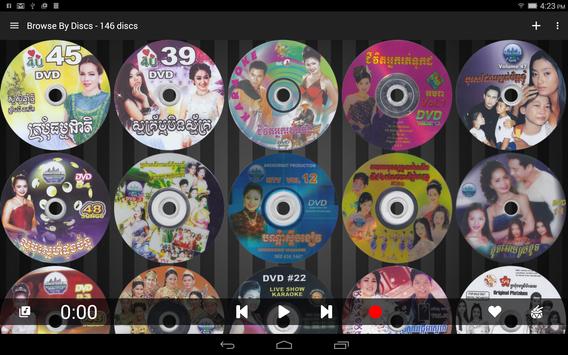
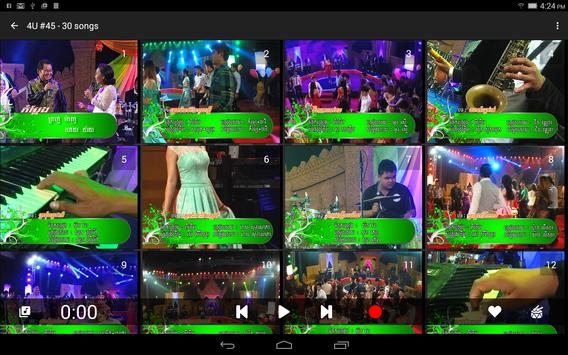
KaJu, short for Karaoke Jukebox, is a combination of PC and Tablet software merged together to bring the best possible Karaoke experience.
The server software runs on a PC that is hooked up to your TV (i.e. HTPC), and you control it wirelessly from the beautiful friendly UI on your tablet.
Download the KaJu server @
http://www.kaju.mobi
PC Requirements:
- WIndows Vista/7/8.1/10
- Soundcard with audio out/in port
- RCA to mono cable to connect to Karaoke System
- Celeron or better CPU for importing VCDs, CD G
- i5 or better CPU for importing DVDs
- DVD Recorder Drive
Features for this version:
- Import CD G, VCD, and unencrypted DVDs
- Auto-thumbnail generation
- Take photo of Disc Art
- Playback Full screen on TV (via Server)
- Playback Full screen on Tablet
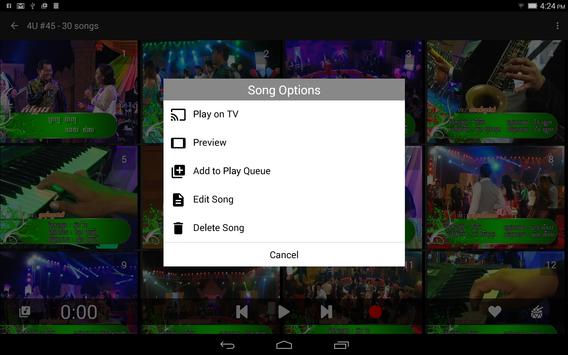
- Add Songs to Play Queue
- Manage Play Queue
- Edit Song
- Tag Singers
- Fixed thumbnail by selecting frame
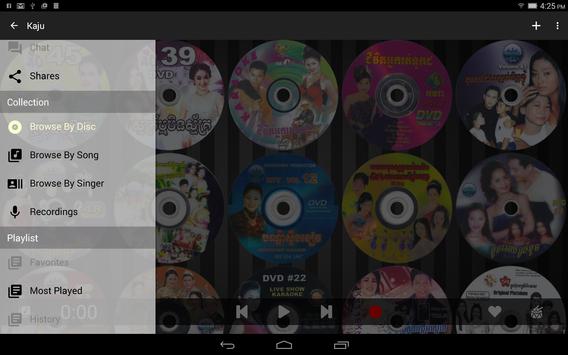
- Browse By Discs
- Browse By Songs
- Browse By Singers
- Record Singing
- Switch Audio track (on supported formats)
- Added per song import progress indicator for CDG and VCD.
- Fixed various issues.





9Apps 4.9














