
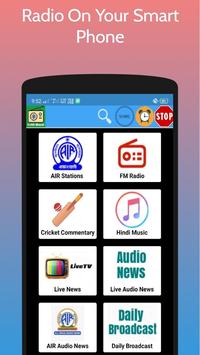
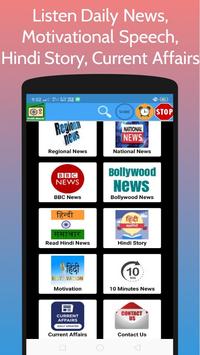
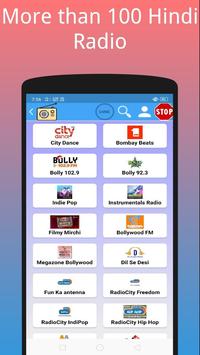
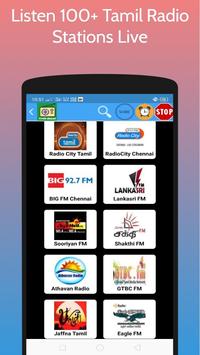
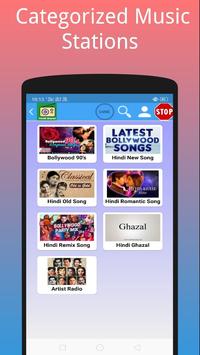
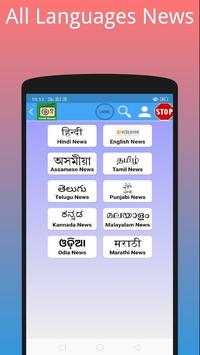
Users can listen All India Radio ,Vividh Bharati, Prasar Bharati, BBC Hindi News, Akashvani Radio, India Radio Staions, AIR News, Hindi News, Cricket Commentary Live, Radio City, Radio Mirchi, All Hindi Radio stations , Tamil radio stations, artist radios, devotional, ghazals , Sufi, indie pop, Jesus radios, radio city international, radio city non film, radio city love guru, Mirchi 90s, Meethi Mirchi, Punjabi radio stations, and many more anywhere in the world.
✓Listen to All India Radio, Akashvani Radio, Vividh Bharati online on your mobile phone anywhere in the World.
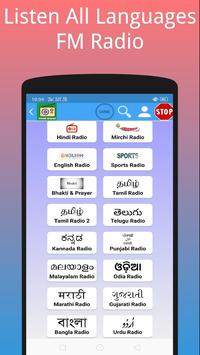
✓Listen to Hindi Radio, English Radio, Tamil Radio, Telugu Radio, Kannada Radio, Malayalam, Odia, Marathi, Gujarati Radio, Bangla Radio, Urdu Radio, Arabic Radio & Nepali Radio in Vividh Bharati
✓10 Vividh Bharati Live
✓See Live Cricket Score
✓Listen Live Cricket Commentary Every Match Days
✓Listen All Prasar Bharati Programs
✓Listen to the All India Radio News, Akashvani Radio, BBC Hindi News, BBC Dinbhar, BBC Duniya, BBC Hindi Radio
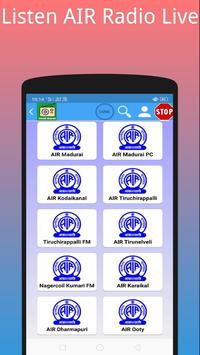
Here are some radio stations which are available in this app:
✓All India Radio:
✓Vividh Bharti Mumbai.
✓Vividh Bharti Bengaluru.
✓AIR FM Rainbow.
✓AIR FM Gold.
✓AIR Urdu Service.
✓AIR Indore.
✓AIR Raagam.
✓AIR Kannada.
✓AIR Gujarati.
✓AIR Marathi.
✓AIR Punjabi.
✓AIR Malayalam.
✓AIR Tamil.
✓AIR Telugu
✓AIR Bangla.
✓AIR Radio Kashmir.
✓AIR Odia.
✓AIR Assamese.
✓AIR North Eastern.
✓AIR Siliguri.
✓AIR Maitree.
✓AIR Simala.
✓AIR Manjery.
✓AIR FM Rainbow Chennai.
✓AIR Bengaluru.
✓AIR Mysuru.
Radio Mirchi:
Meethi Mirchi.
Mirchi Top 20.
Mirchi 90s.
Filmi Mirchi.
Mehfil- E- Ghazal.
Club Mirchi.
Hindi Retro.
Mirchi Indies.
Mirchi Devaraj.
===================================
■ How to use All India Radio app
Open the app and click on the radio station name which you want start to playing.
■ How to play All India Radio in background
Simply play any station and click home button and enjoy music/news/cricket commentary and more
*Home button is mostly middle button of mobile*
■ How to stop All India Radio
Just Drop down notification bar and click on stop or cross or open the app and click on STOP button (which have top of menu)
Note: Vividh Bharati / All India Radio requires good Internet connection so make sure you are connected with internet before using this All India Radio Application..
Minor bug fixed






9Apps 4.9














