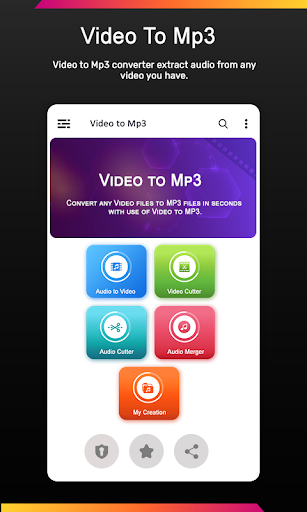
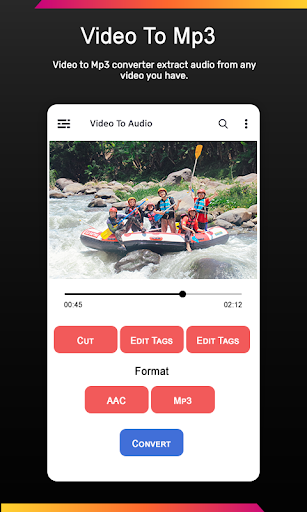
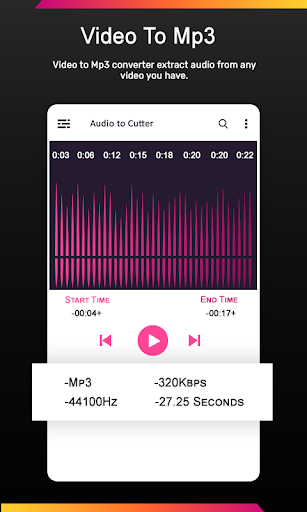
Easily extract audio from your video files. Extract high quality mp3 songs using this powerful application
. Make ringtone from your favorite song using mp3 cutter. Video to MP3 Converter uses ffmpeg and libmp3lame as library .
Step by step instructions
1) Choose Video that you want to convert
2) Choose audio format (MP3 or AAC) and Bit Rate
3) Add meta-data for MP3 format (optional)
4) Press "Convert" button
- Multiple videos can be selected at once for batch processing.
- Launches a notification when the compression is complete. This option is configurable in the settings.
- You can choose the bit rate and the conversion frequency. If you select the same it will remain with the same quality as in the video.
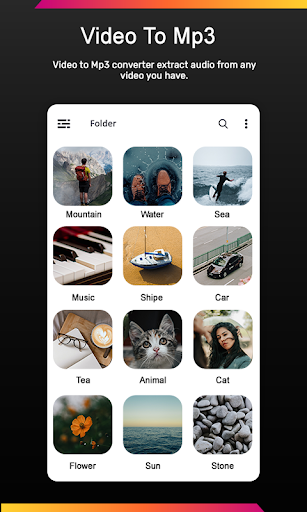
- In the file selector you can see the thumbnails of the videos.
- Converted files can be played directly without leaving the application to check their quality.
Features
- Trim converted MP3 files or MP3 files in your device
- Merge multiple audio files into one
- Edit MP3 Meta-Data (Cover image, Title, Artist, Genre,..)
- Output small browser
- Options (Play, Delete, Share, Edit Meta-Data, Trim, Merge).

9Apps 4.9