
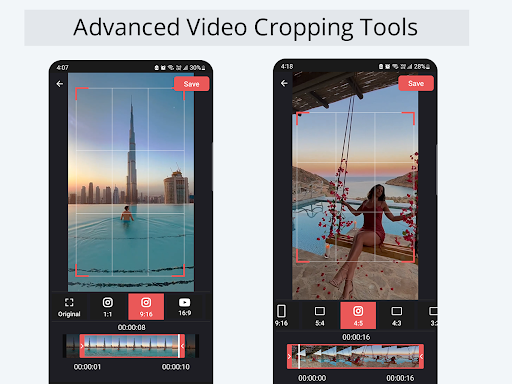
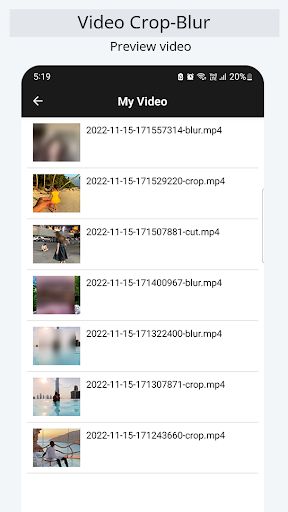
Advanced Video Cropping Tools for Crop & Trim(Cut) Video.
App to use in crop & trim(cut) video removing unwanted portion.
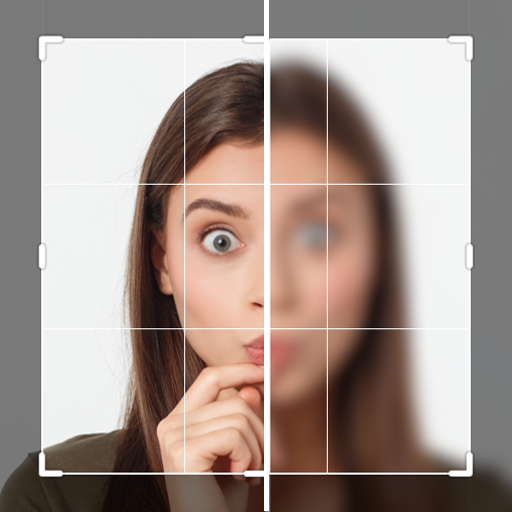
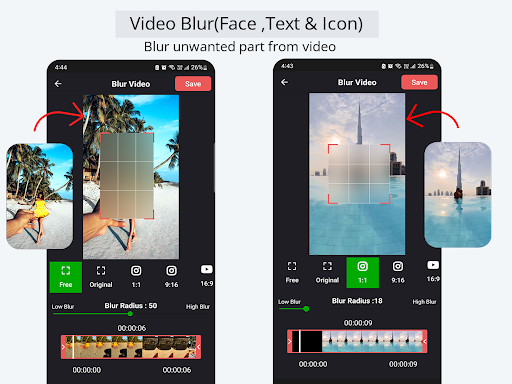
- Face Blur Video Editor
- Face (Auto Blur Face ,Custom Blur Radius)
- Text & Icon
- Blur Face - Censor,Partial Blur/Pixelate Blur video effect
Features:
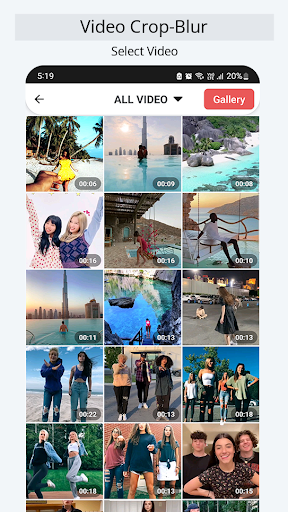
- Crop & Trim(Cut) Video right on your device.
- Supports almost all file formats, including mp4,mpg,mov,avi,mkv,flv,wmv,vob,asf,m2ts,mts,ts.You can also choose other formats in the format galleries.
- Clip converter
- Cut Video : Trim part of the video.
- Video Crop for whatsapp.
- Crop any part of any video.
- No Crop & Square for Instagram.
- video screen size with a lot of frames to choose from: 4:3, 16:9, 9:16, square, portrait, landscape to cut video easily
- Set Crop position with width and height(4:3, 16:9, 9:16, square, portrait, landscape).
- Video Cropper for instagram. you can share directly in instagram with out Crop.
Advanced Video Cropping Tools for Crop & Trim(Cut) Video.
App to use in crop & trim(cut) video removing unwanted portion.
Crop & Trim(Cut) Video right on your device.
Clip converter
- Face Blur Video Editor,Text & Icon
- Blur Face - Censor,Partial Blur/Pixelate Blur video effect
Cut Video : Trim part of the video.
Crop any part of any video.
No Crop & Square for Instagram.
Video screen size with a lot of frames to choose from: 4:3, 16:9, 9:16, square, portrait, landscape to cut video easily.


9Apps 4.9












