
Camera Scanner is one such app that will help you scan all the variety of documents you have. Using this app is easier than you think. Even if you are a first-time user, you will face no difficulty in managing its interface. It comes with easy-to-handle operations that make running this app easier for beginners as well.
Scanning applications are becoming a popular choice due to their widespread utility and application in today’s world. If you wish to send a few copies of your ID to another person, this Camera Scanner app can help you do the same. Also, if you run a website that provides the readers with PDF versions of books, Camera Scanner can be helpful for you.
The followings are some of the varieties of documents you can scan with Camera Scanner.
Document Scanning
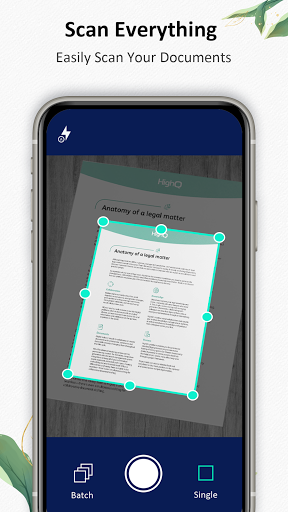
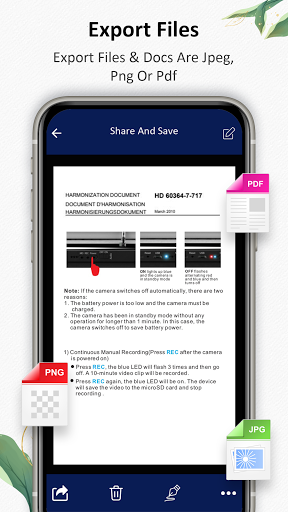
Scanning multiple documents has become easier and hassle-free with this Camera Scanner. Once you are over with the scanning process, the images get stored as JPEG or PDF files. You can surely choose the version of the files. Scanning with this Camera Scanner is as simple as taking pictures while the scanner’s advanced technology automatically detects the documents' margins.
ID Scanning
You might need to scan your driving license, passport, identity card, visa, or other cards. With Camera Scanner, scanning these documents becomes easier and effortless. All you have to do is just place the document to be scanned under the device. Enter the Camera Scanner app and the camera of your device will automatically turn on. The application will now scan the document and determine its edges. You can indeed adjust the margins according to your need. Once you have adjusted the borders of the document, scan the document and save the file as PDF or Jpeg.
Book Scanning
An entire book can be scanned easily with the Camera Scanner app. All you have to do is just scan the pages individually, and each image will get saved on your device in an orderly manner. Hence, you do not even have to ponder arranging them. Camera Scanner app indeed reduces the time and effort required to get an entire book scanned flawlessly.
Photo Scanning
Keeping the hardcopies of photos protected for long can be a hassle some task. With time the photos tend to lose their colour and texture. The best would be to scan all your favourite photos and keep them stored as Jpeg or PDF fileson your device or elsewhere. Camera Scanner app helps scan hard copies of photos, ensuring that you never lose any part of your cherished memories.
Features of Camera Scanner App
• This scanner app spontaneously detects the edges of any document placed under the device for scanning. This makes the entire process of scanning easier.
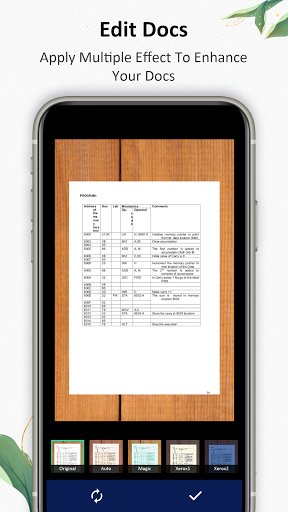
• When you scan a document or a book with this Camera Scanner, the quality of the image gets better automatically. The scanned copy of the document appears to be clearer after scanning.
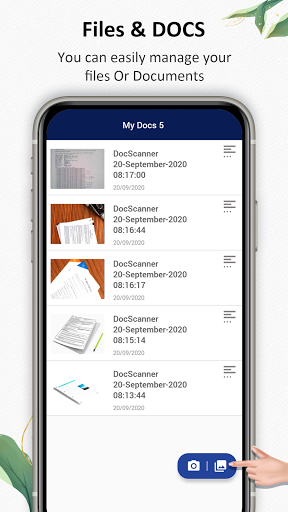
• Camera Scanner app makes sure that all your scanned documents remain arranged in an orderly manner. Therefore, accessing any of these files becomes easier and hassle-free.
• Camera Scanner app is free and offers a plethora of top-notch facilities.
• With Camera Scanner App, you can create PDF files of varying sizes from A1 to A6. Therefore, creating documents like notes, letters, postcards, etc., becomes easier.
• It helps extract texts from Image OCR and transfer the images to texts to help you search, share and edit.
• Scanning multiple pages at the same time becomes easier with Camera Scanner.
• If you need clear prints of any document, scanning it first is always a better idea.
• Camera Scanner App comes with a special feature called a picture to PDF converter. With the help of this feature, you can pick few images from a gallery and convert them into a PDF document.
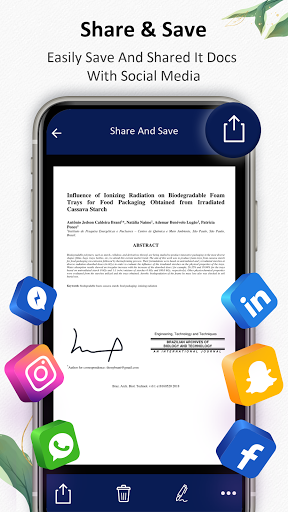
• Camera Scanner is a free application that helps you scan, print, and share various documents with your peers
-Improved scan quality
-Auto crop and filter option






9Apps 4.9












