


Android App Logic
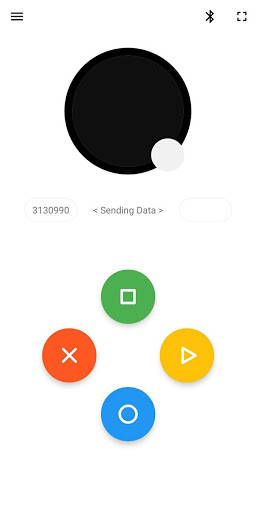
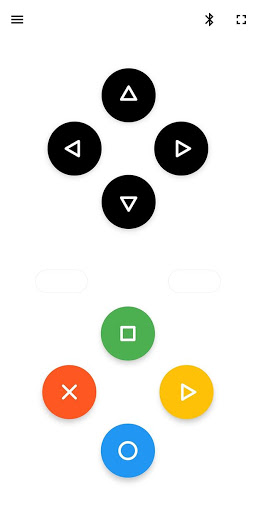
There are 5 buttons on the screen namely black, red, green, yellow, blue.
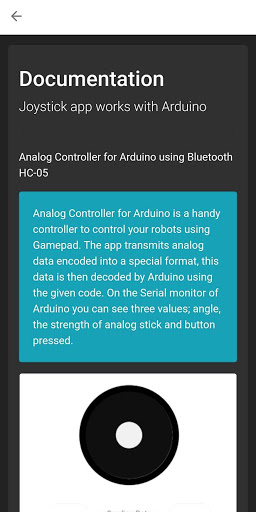
Black button is joystick, same like real Joystick controller - Joystick provide 2 values
1. Angle [ 0 - 359 ]
2. Strength [ 0 - 100 ]
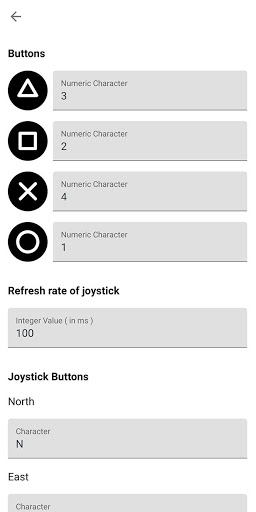
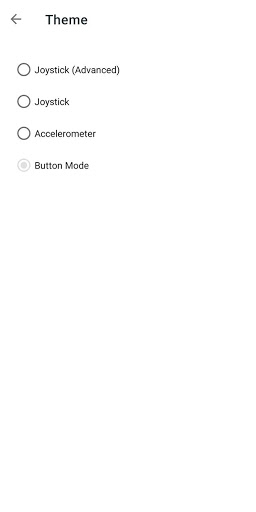
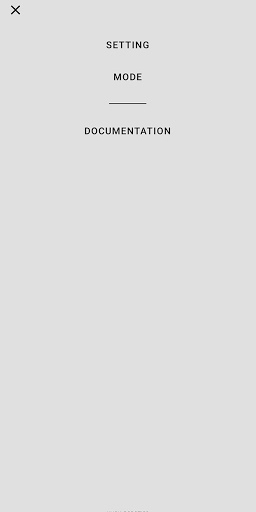
Rest of the buttons (red, green, yellow, blue) are normal buttons, by default there values are set to 0. You can changes the values by going to Menu > Setting.
Joystick, red, green, yellow, blue button values will be visible on the left and right of
in real time.
Combination of these all buttons (data) is sent through bluetooth
1. By default seven digit number is set 0000000
2. First three digit represent Angle
3. Second three digit represent Strength
4. Last one digit represent the values of button blue, green, red, yellow
Example: the seven digit number is 2700891, So
1. First three digit represent Angle i.e : 270
2.
Second three digit represent Strength i.e : 089
3. Last one digit represent the values of button blue, green, red, yellow i.e : 1
Arduino Sketch (copy paste this code to see the values)
void setup() {
Serial.begin(9600);
}
void loop() {
if(Serial.available()>0)
{
String value = Serial.readStringUntil('#');
if(value.length()==7)
{
String angle = value.substring(0, 3);
String strength = value.substring(3, 6);
String button = value.substring(6, 8);
Serial.print("angle: ");Serial.print(angle);Serial.print(' ');
Serial.print("strength: ");Serial.print(strength);Serial.print(' ');
Serial.print("button: ");Serial.print(button);Serial.println("");
Serial.flush();
value="";
}
}
}
Bugfix in Joystick mode.







9Apps 4.9














