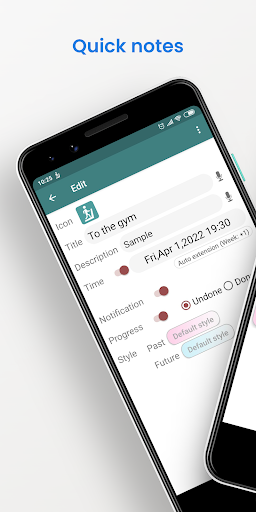
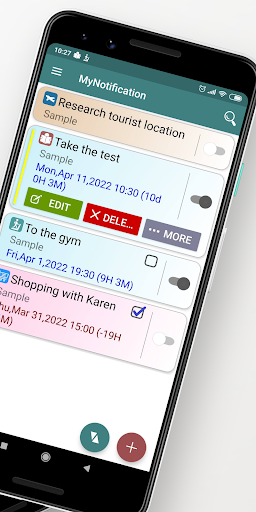
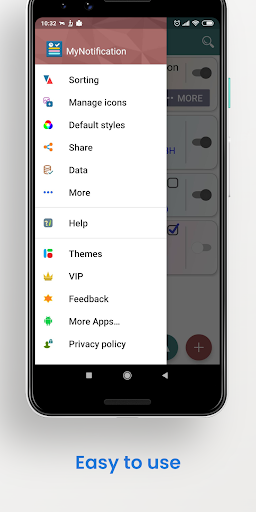
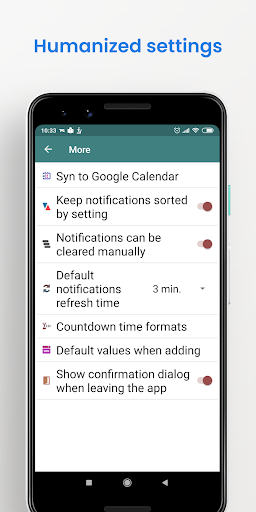
It is a powerful notepad, notes on the status bar or a countdown timer.
【Key Features】
★ Memos: Fast to add notes.
★ Notifications: Free choice to show notifications in the status bar.
★ Countdown timers: Setting the target dates and show the information.
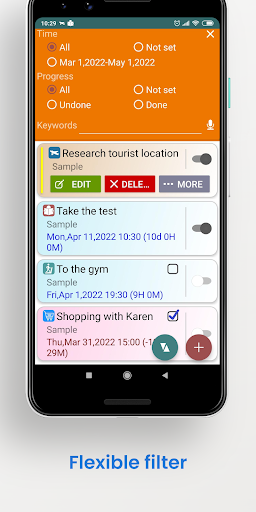
★ Powerful search, filter, sort functions.
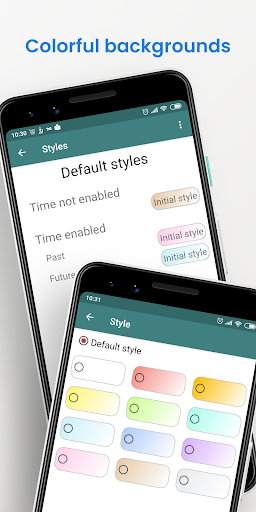
★ Styles: Setting different backgrounds for different states.
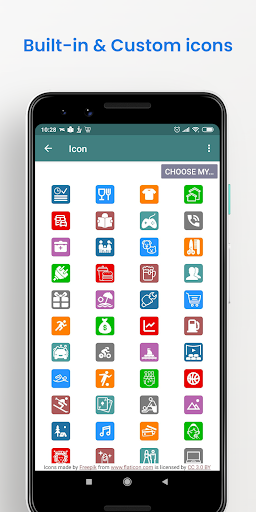
★ Icons: Multiple built-in and custom icons.
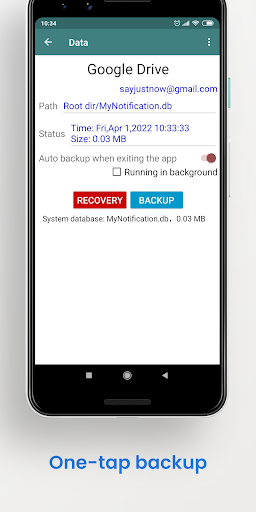
★ Backup & Recovery: Backing up to Google Drive or the local files.
★ Auto-synchronizing to Google Calendar
【Notes】
◎ If the notifications cannot be displayed correctly, please check the following items:
▲ Notification settings and related permissions.
▲ Auto-Start settings.
▲ Battery Saving settings.
◎ The application structure adopts offline mode, no server, and the main data is stored on the user device. If you need to reinstall the application or replace the device (or share data with multiple devices), please make sure to back up and restore the data yourself. ※Please update the application to the latest version before performing "Recovery".
◎ Because some functions (such as cloud backup, feedback, advertisement display) require internet connection, so users who newly install the app from today (2021-4-13) will not be able to use while it is closed.
【Ad Description】
◆ Banner Ads: Display at the bottom of most pages.
◆ Interstitial Ads: Every 5-6 minutes of usage time, it will be displayed when switching pages or rotating the screen. The content and volume control, and the closing steps are determined by the third-party platform.
◆ You can use the app without VIP in normal cases, but if you don't want any ad, please consider buying.
Updated some API



9Apps 4.9