

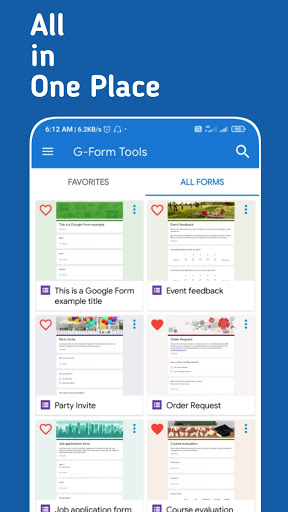
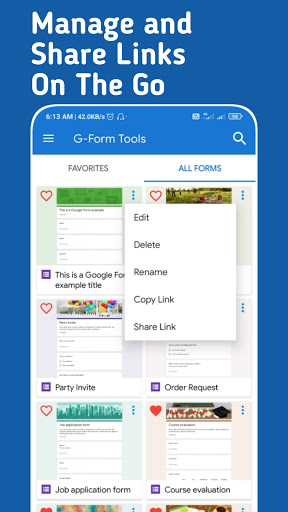
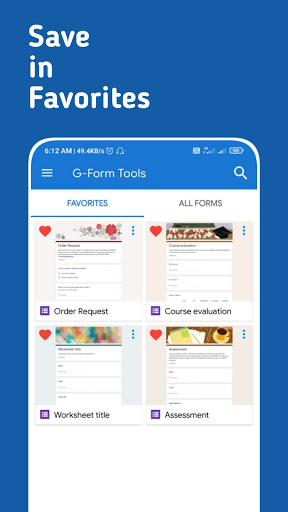
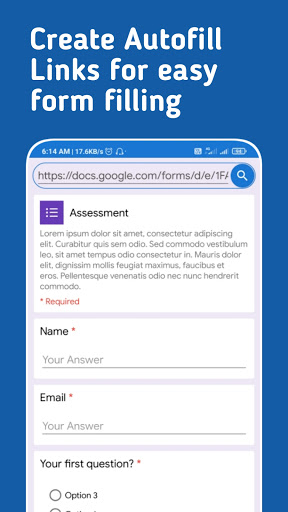
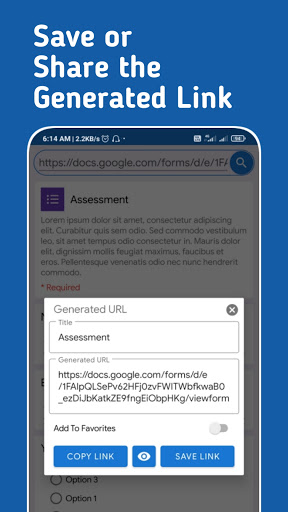
Create Google Form Autofill links with G-Form Tools. Not an app by Google.
Create Autofill Google Form links and save it within the app for faster access on your android device. This is a 3rd party application and not an application from Google.
G-Forms app allows you to:
- Save Unlimited Google Form Links in the app for faster access.
- Create Autofill Google Form links for easier Form filling.
- Edit the Autofill data of the saved Google Form link.
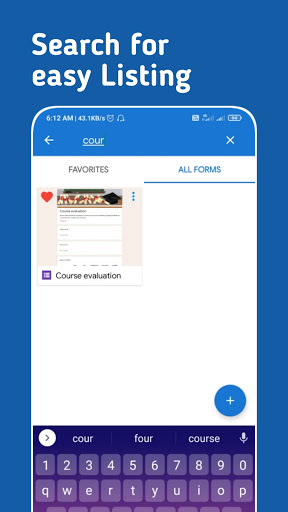
- Search across the saved Google Forms for faster access.
- Open Google Form links directly in a browser of your choice(Save a browser in app settings).
G-Form Tools is useful for those who use the same Google Form link to submit data many times with some constant values in it.
G-Form Tools will make a link that will autofill the common questions so one can skip filling the common question in the form.
Warning:
- This app is not capable of creating a new Google Form or editing details and questions of a Google Form. This app can only be used to create and share autofill links of Google Forms.
- This app doesn't support Google Forms that require signing into Google account(Google forms with file upload, collect your email address) to open the form.
- Google Forms with multiple sections can only be navigated not more than 1 section.






9Apps 4.9















