
Baya IOT device control app. Normal IOT devices are also supported.
Functions:
------------------------------------------
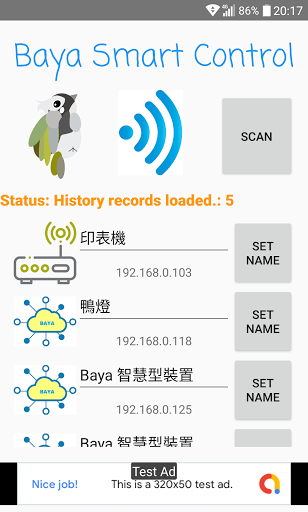
Search and Remember IOT devices in home WIFI.
Self edit for later use.
Fast access your IOT devices.
Fast setup and control for Baya IOT products.
--------------------------------------------------------
使用說明:
1.[Baya products, Initial settings]
Connect to device station(SSID:AutoConnectBaya) and setup your home WIFI information, default setup page is "http://92.168.4.1", a setting windows should pup-up. Or you can connect setup it by your browser. After setup, re-power the IOT device.
2.Connect your phone to your home WIFI. Install the APP. Run the app for a first time "SCAN".
3.APP will list the finds.
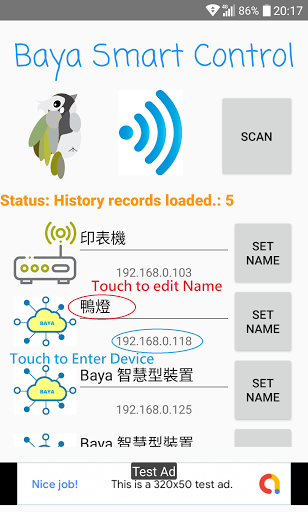
4.Click device name and edit to your favor name. Don't forget to click "Set Name" button to save it.
5. Click device IP address to enter it control interface.
-----------------------------------------------------------------------------
*Some special IOT devices have it own unique protocols, the app may not able to find/control them.
*Sometime your home internet is overloading during Scanning, and your IOT devices may not receive discover packages, please re-SCAN it.
upgrade to support Android 10 devices.






9Apps 4.9














