
TakeNote can be used to:
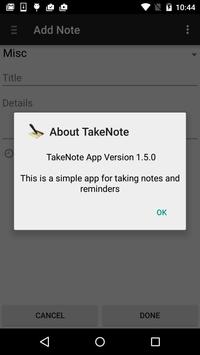
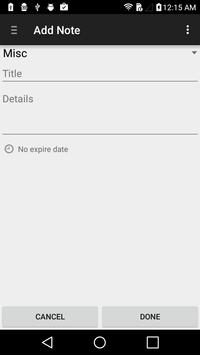
- Save notes with a title, note details and a category to which the note belongs such as shopping
- Setup reminders such as birthdays and anniversaries
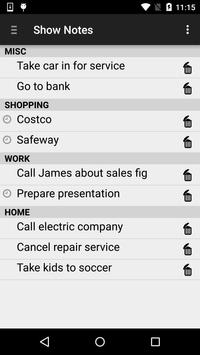
- Easy to see all your notes and delete old notes
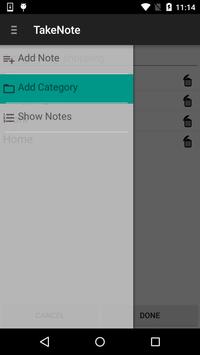
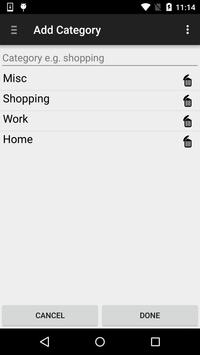
- Easy to create new categories such as Shopping, Work, School etc.
- Notes which have a reminder will show a timer icon in the list so it's easy to distinguish which notes have alarms
- Notes can be seen in a list separated by category type
TakeNote App requires no permissions.
And best of all no Ads!
Don't hesitate to provide feedback and feature requests!
- added support for edit notes by clicking on the note in show notes
- added support to add a note by clicking on the category
- cleaned up the database handler and improved performance
- Fix bug: correct handling of action bar title within fragments
- Fix bug: correct handling of back key in show notes fragment and category fragment





9Apps 4.9













