

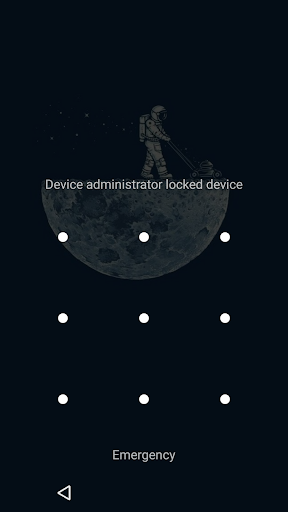
To screen off and lock the device you can:
• Create shortcut.
• Use Screen Lock widget 1x1 (Resizable in Android 4.0 ).
• Access from notification.
• Shake to lock.
• Cover to lock. (Pro)
• A screen on off by putting on the desk. (Pro)
• Air swipe to lock and to screen on off. (Pro)
• Access Screen Lock by long pressing search button, if your device has it.
Features include:
• One touch lock.
• More icons to select for widget and shortcuts. (Pro)
• Screen off animation.
• Animation speed adjustment. (Pro)
• Wakeup device without power button. (Pro)
• Support for “Smart Lock”, "Nexus Imprint" or "Fingerprint sensor". (Pro)
• Change icon for a widget and new shortcut. (Pro)
• Rename the shortcut as you like. (Pro)
• Animation while Screen off and lock.
• Vibrate upon lock and vibration strength adjustment.
• Lock and unlock sound, with volume adjustment.
• Lock sound on animation start. (Pro)
• Power Toggles plugin. (Pro)
Additional features:
• Keep device awake while reading long contents using Movement listener. (Pro)
• Wakeup device using service feature when the device is off. (Pro)
• Enable service only on Home screen.
* This app uses the Device Administrator permission.
* Uninstall: you have to go to "Settings—>Security—>Device administrators" to shut off Lock screen first.


9Apps 4.9













