
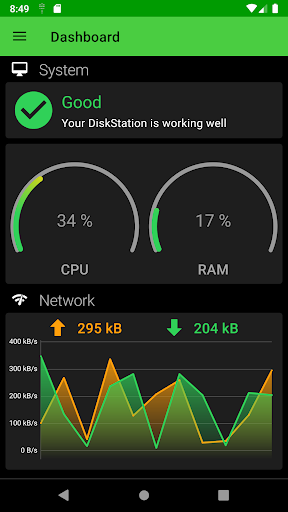
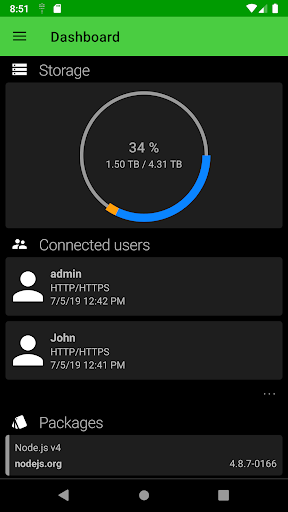
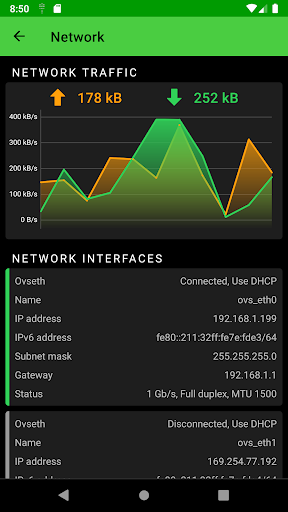
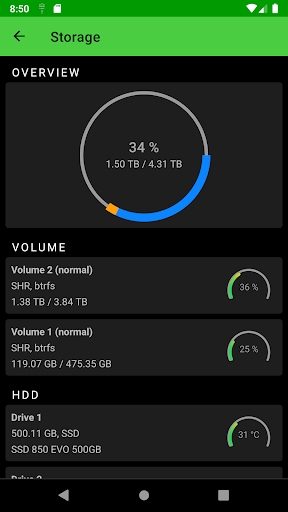
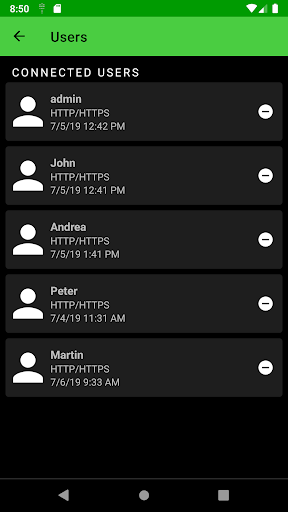
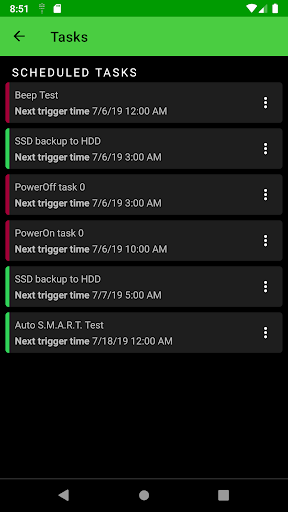
DS Manager Pro allows you to easily supervise your Synology NAS (DSM) by controlling network traffic and connections, system health, storage health and capacity, logs, tasks and many more. Each of this features as a separate module supports displaying more detailed information and actions on a dedicated screen.
Features of the app:
- detailed information about your Synology NAS with up to date CPU and RAM usage
- you can easily enable / disable installed packages in this module
- network traffic
- currently connected users
- network interfaces
- listing of all your Synology NAS volumes and disks
- external devices with ability to "eject" any of them
- listing last logs
- all scheduled tasks
More modules and features are coming soon.
Supported Synology DSM: 6.0 and above.
you can order sections in Dashboard
you can be automatically logged in to the latest connected device (can be disabled in settings)
device name is present as the title of Dashboard
few improvements and bug fixes




9Apps 4.9















