
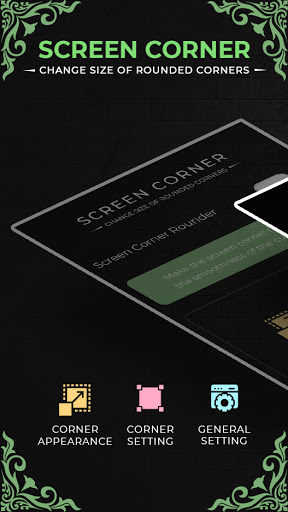
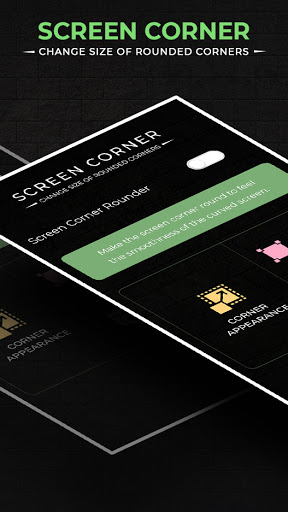
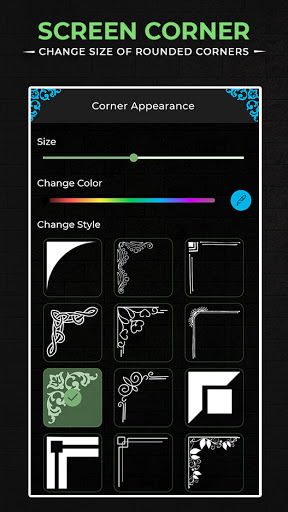
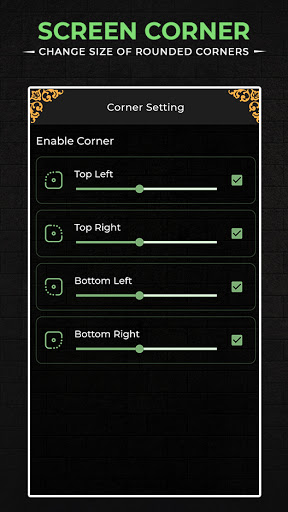
The Round Corners is lightweight app and shouldn’t leave a significant battery footprint. Rounder features full settings which allow for adjusting the radius of the corners, as well as specifying which corners to enable or disable. In fact, you may even save some battery life if you use Round Corners on a device with an AMOLED display panel that doesn’t light up black pixels, though any potential savings probably won’t be large enough for you to notice a difference in everyday use.
By using rounded corners, you can make a smooth transition between your phone's body and the screen. Remember, you can choose the color of the corners so that it matches the color of your phone. With Rounder Extensions, you can customize the looks of the corners, and try out different designs!
Furthermore, the Round Corners even allows you to set specific looks for individual apps so you can opt to minimize or even turn off its effect entirely when launching certain apps, and highlight it when using others. Round Corner Screen allows you to feel the smoothness of the curved screen and rounded corners such as the top phone. You can also change corner background colors as you like. Control the Corner radius to make it more perfect.
This app provides many settings that allow you to adjust the corner radius, corner color, and define which angle you can rotate. App run perfect on my devices. Control the Corner radius to make it more perfect. Round up the squared corners with curvy designs for your screens on your four corners. View Attractive screen with round screen corners, the primary purpose of the Round corners app is to round the corners of your display regardless of the device you’re using.
App Features :-
💢 Enable or disable round corner using notification bar
💢 Clean interface.
💢 Ease of use.
💢 The radius for each corner separately.
💢 The color of the corners.
💢 Individual corner settings for each and every app.
💢 Hide notch, waterdrop, punch hole camera... in the display
💢 Change setting for particular corners.
💢 Customization with a big amount of options.
NOTE:
- This app does not display over the notification shade or lock screen, as that requires a different type of background service that is significantly more intrusive and battery-consuming. If you prioritize those features over a lightweight service, you might prefer a different app.
Thank you...




9Apps 4.9












