
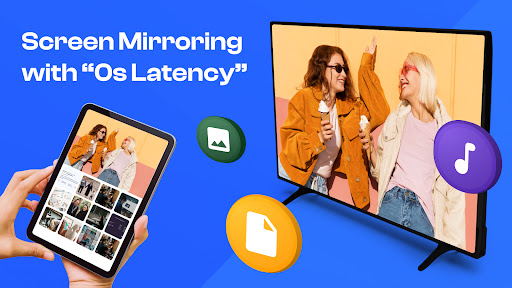
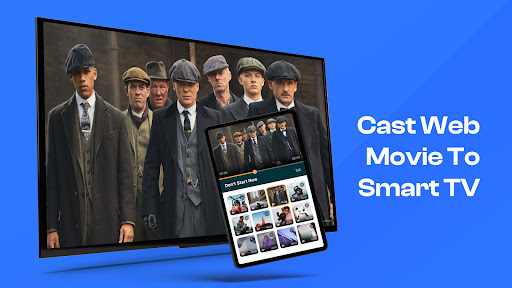
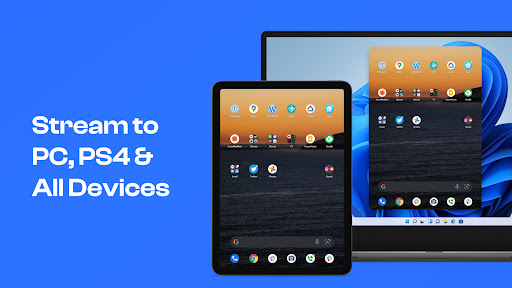
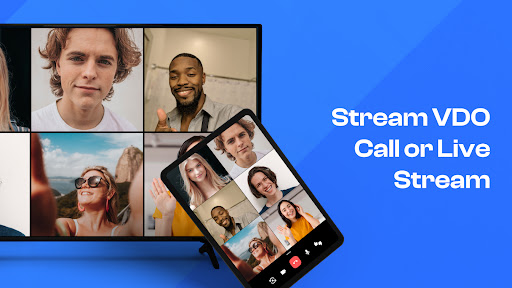
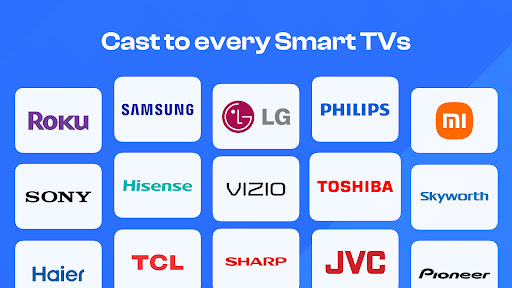
Screen Mirroring TV & Miracast is a screen mirror app as well as a smart remote control for all your Smart TVs, including: Samsung TV, LG TV, Roku TV, Firestick TV, Chromecast, and many other smart TV brands...With our app, you can directly stream any medias or files from web or local to your big screen within seconds now!!!
-
This app provides Screen Mirroring in high quality without delay (zero delay) with simple setup and no additional hardwares required need.
Features of "Screen Mirroring TV & Miracast" app:
- Connect your phone to the TV in two simple and quick steps.
- Screen mirroring everything amazing from your phone to your TV through the cast to tv app.
- Control everything conveniently: volume, pause, fast forward, rewind video with no delay.
- Cast to tv with photos, videos on the big screen.
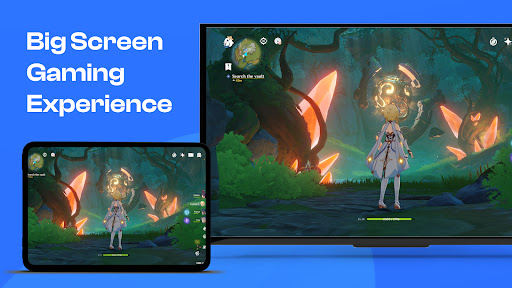
- Enjoy music, play games on your smart TV.
- Access Youtube, IPTV easily.
- Use Remote control for smart TVs.
- Get to know your files fast.
Usage:
- For cast to tv to work properly, make sure your phone and device are connected to the same Wi-Fi
- Enable Miracast on your TV and Enable Wireless Display
- Select your existing device
- Enjoy everything, mirror any image, video, or audio you want to the big screen
All your devices are supported:
• Chromecast
• Roku, Roku Stick, and Roku TVs
• Most smart TVs: Hisense, Samsung, LG, Sony, Panasonic, TLC, Toshiba, etc.
• Xbox, FireTV, and Fire Stick
• Other DLNA receivers
How to start screen mirroring:
- Connect your Android and your Roku TV to the same wifi network
- Open the app and connect the app to your Roku TV
- Tap on Screen Mirror and follow instruction to start smart mirroring
- To stop mirroring click on the top red bar of your phone.
Disclaimer: This app is not affiliated with Roku, TCL, Samsung, LG, Vizio...or any other trademark mentioned here.






9Apps 4.9













